Create electronics store inventory from photos
Turn photos of headphones, chargers, cables, power banks, and boxed accessories into structured product and model rows.

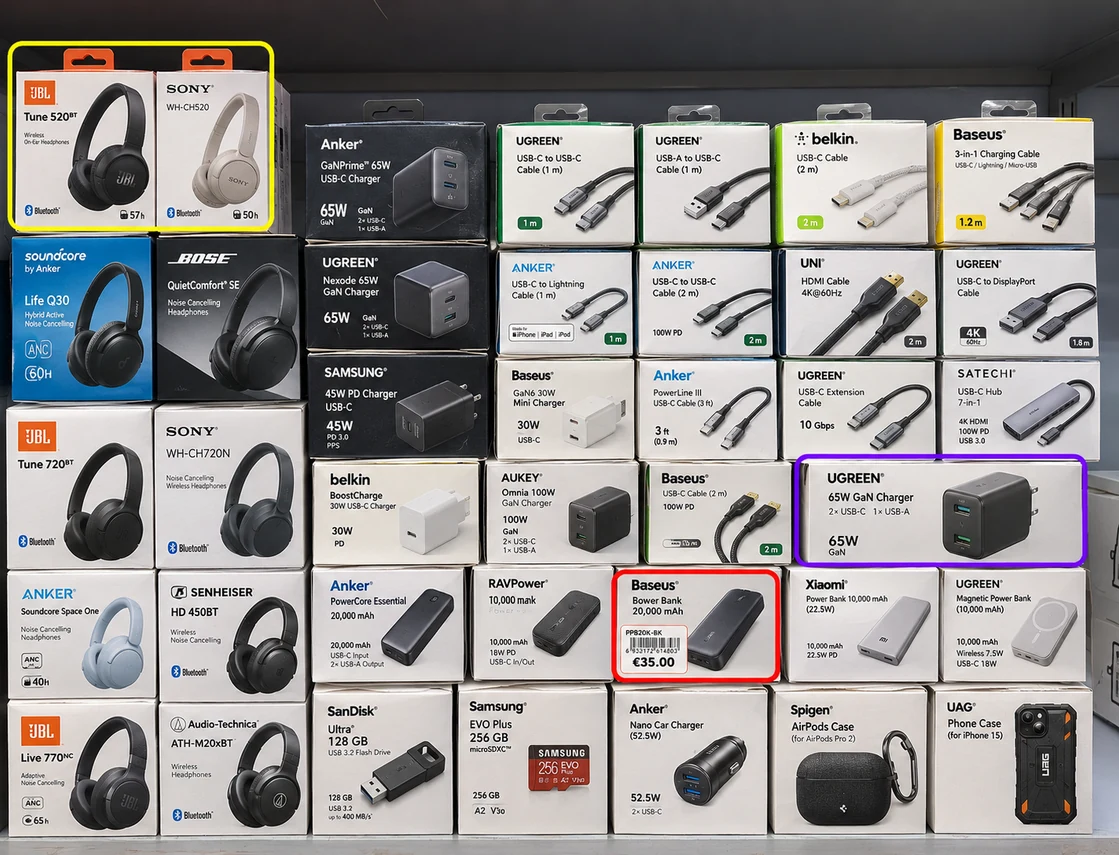
Extract visible electronics shelf details including:
- Product type, brand, and model
- Connector, capacity, wattage, color, or compatibility
- Visible units or peg-hook facings
- Price and promotional label
- SKU, barcode, shelf, bay, or display
- Category and custom stock fields
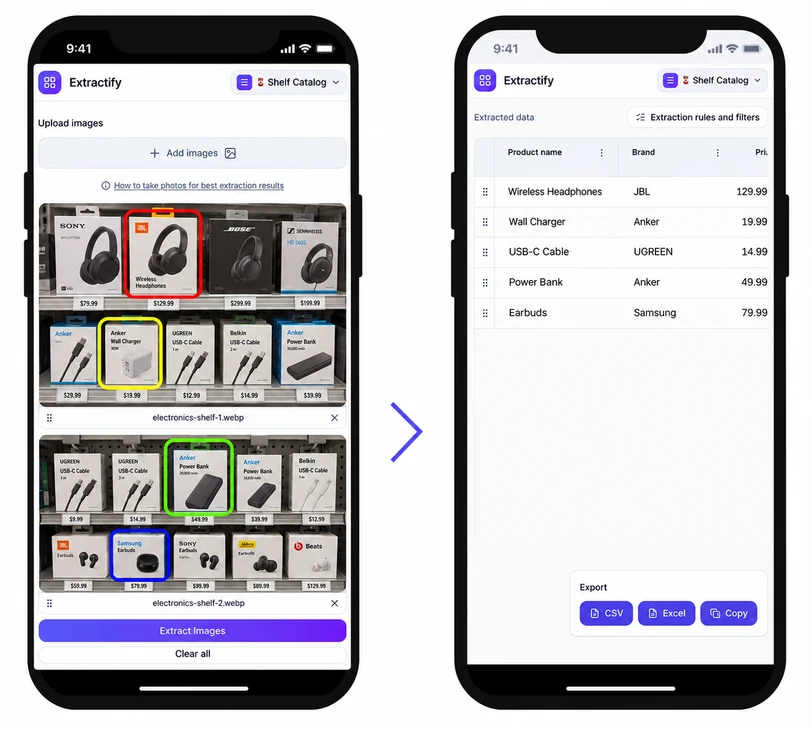
Edit blocks directly on the image and export to CSV.
How electronics store inventory extraction works
- 📷Step 1
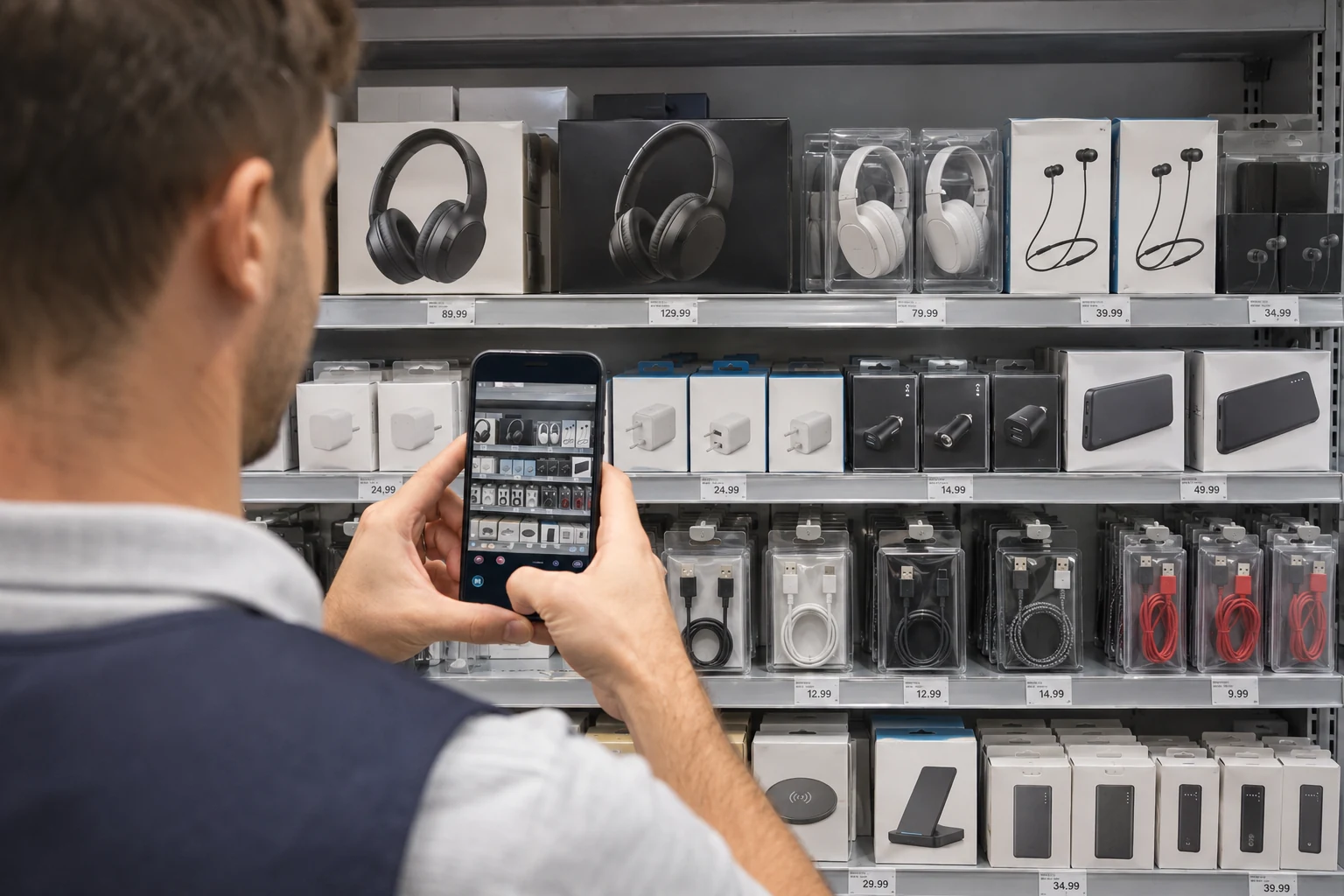
Photograph shelves, peg hooks, and display bays
- 🎧Step 2
Extract visible brands, models, specifications, and prices
- 🔍Step 3
Review model numbers, compatibility, and duplicate facings
- 📥Step 4
Export the reviewed inventory to Excel or CSV
Who uses electronics shelf inventory data?
Electronics retailers · Mobile accessory stores · Store operations teams · Merchandisers · Inventory auditors
Electronics shelves often group products that look similar but differ by model, connector, capacity, wattage, color, or compatibility. Hanging packages and boxed stock also make manual counts repetitive and easy to misclassify.
Photo extraction produces a reviewable first-pass list of visible products and facings. It can support price checks, assortment reviews, and display audits. Serial numbers, security-box contents, stock in locked cabinets, and products behind the visible facing should be verified separately when unit-level control or a complete physical inventory is required.
FAQ
Can the inventory capture electronics model numbers?
Yes, when the model number is clearly visible on the front package or shelf label. Small side labels and partially hidden text may require manual review.
Can I extract specifications such as wattage or capacity?
Visible specifications such as wattage, cable length, storage capacity, connector type, and color can be added as columns when they appear in the image.
Can the tool count products on peg hooks?
It can record visible hanging products or front facings. Units hidden behind the first package may not be visible and should be counted separately.
Does this track electronics serial numbers?
Only serial numbers that are visible and readable could be captured. Shelf photos are usually suited to model-level inventory rather than secure unit-level serial tracking.
Can electronics inventory be exported to Excel?
Yes. Review product, model, specification, price, and count fields, then export the table as XLSX or CSV.