Build convenience store inventory from shelf photos
Convert photos of drinks, snacks, instant foods, and everyday essentials into structured inventory rows you can review and export.

Extract convenience store shelf details including:
- Product and brand
- Flavor, size, pack type, and variant
- Visible units or facing count
- Price and promotional tag
- SKU, barcode, cooler, aisle, or shelf
- Category and replenishment note
Edit blocks directly on the image and export to CSV.
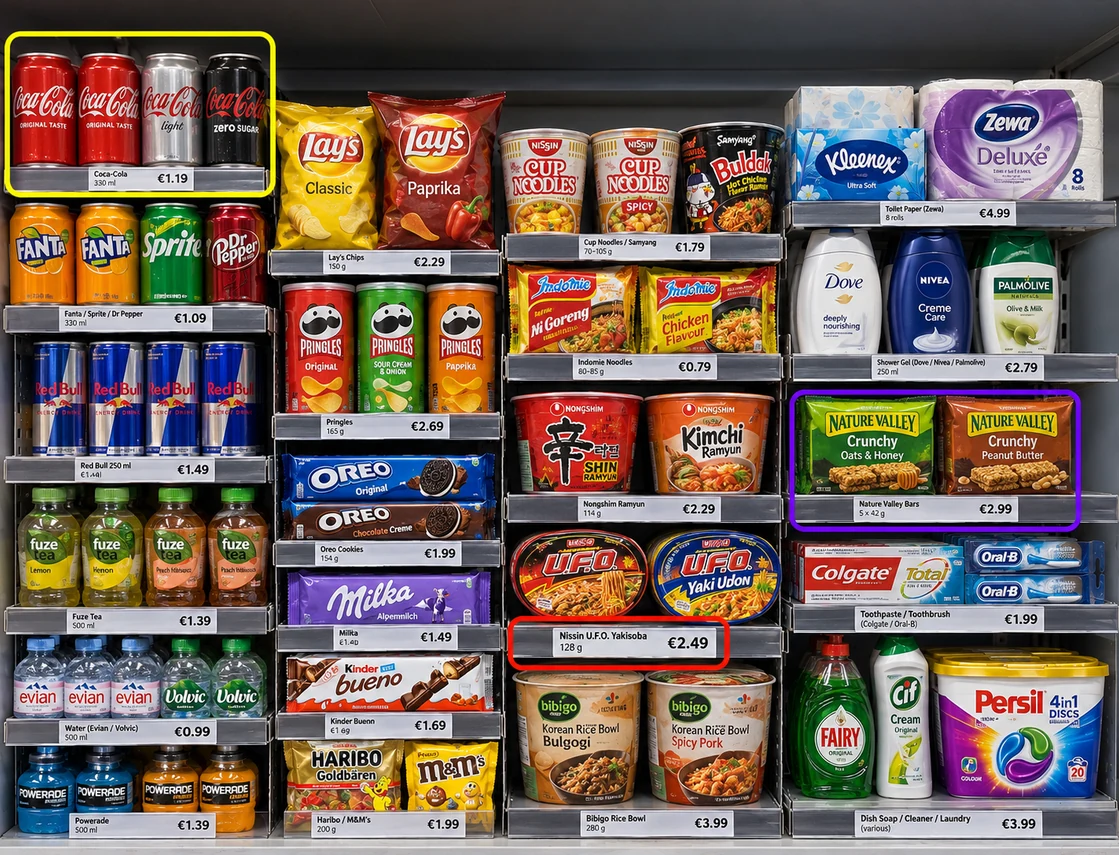
How to inventory convenience store shelves
- 🏪Step 1
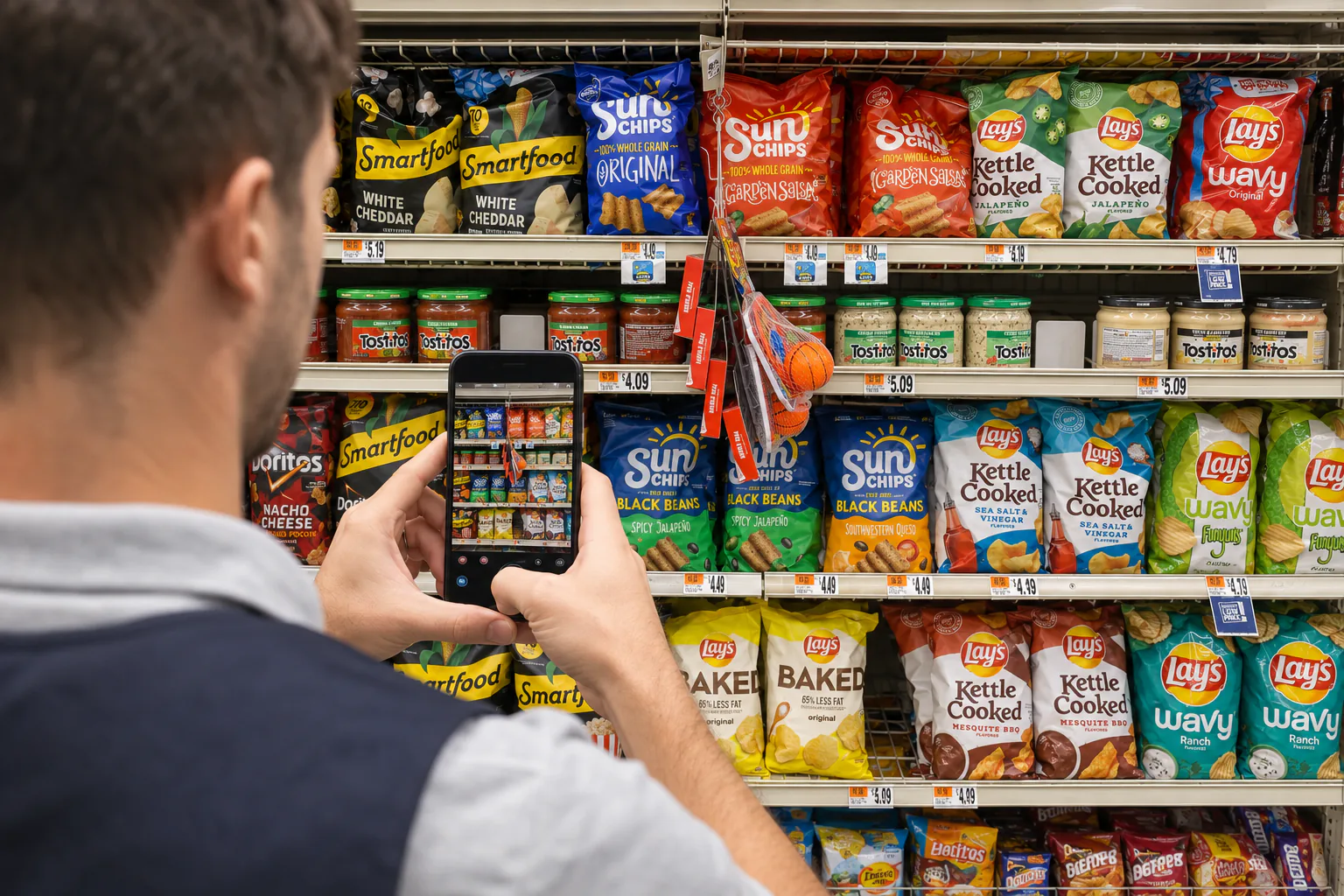
Photograph aisles, displays, and cooler sections
- 🥤Step 2
Extract visible products, variants, prices, and facings
- 🔍Step 3
Review repeated packages, overlaps, and low-stock sections
- 📥Step 4
Export the inventory as Excel or CSV
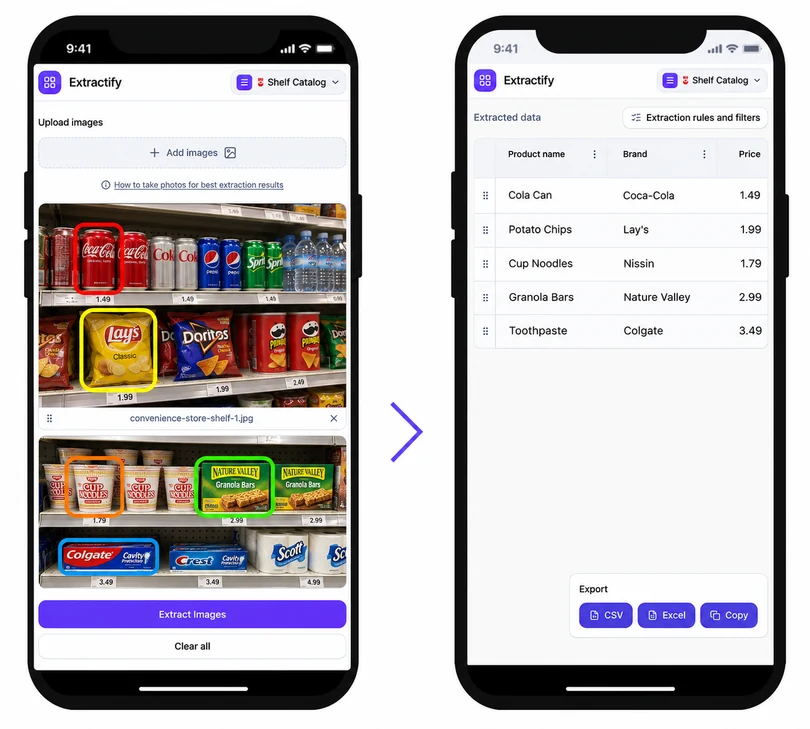
Who uses convenience store shelf inventory data?
Convenience store owners · Store managers · Franchise operators · Route and field teams · Retail auditors
Convenience stores carry many fast-moving products across small but dense displays. Drinks, snacks, and impulse items change frequently, while similar flavors or pack sizes can be easy to confuse during a manual count.
Shelf photos create a traceable record of what was visible during the visit. Extractify turns that record into rows for assortment checks, replenishment planning, or price review. For a complete stock-on-hand figure, combine the visible-shelf result with cooler depth, backroom cases, deliveries, waste, and point-of-sale records.
FAQ
Can I inventory drinks and snacks from the same photo batch?
Yes. Upload photos from different sections and keep category and location columns so beverages, snacks, groceries, and essentials remain easy to filter.
Can the tool distinguish product flavors and sizes?
It can capture visible flavor, volume, weight, and pack information. Review similar packaging and any labels affected by glare or cooler-door reflections.
Can I count products inside a cooler?
Visible front-facing products can be recorded when the image is clear. Door glare, condensation, shelf depth, and products hidden behind the front row can limit the count.
Can I compare inventory between store locations?
Yes. Add store, visit date, aisle, and shelf columns, then combine the reviewed exports to compare assortment, prices, and visible availability.
Can I export convenience store inventory to Excel?
Yes. Download the reviewed table as XLSX or CSV for reorder planning, analysis, or preparation for another inventory system.