Turn retail shelf photos into structured product data
Extract product names, brands, prices, and shelf data from retail photos. Export to Excel or CSV in seconds.

Tell Extractify what to extract
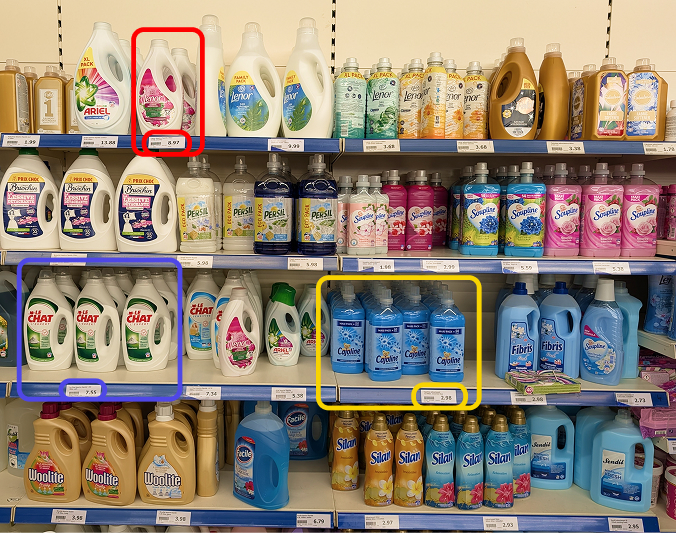
Upload a photo of a retail shelf and automatically extract:
- Product name
- Brand
- Price
- Category
- Quantity
- Shelf location
- Any other field: just add a column with the name of your choice
Export instantly to Excel or CSV.
How to extract a product catalog from shelf images
- 📷Step 1
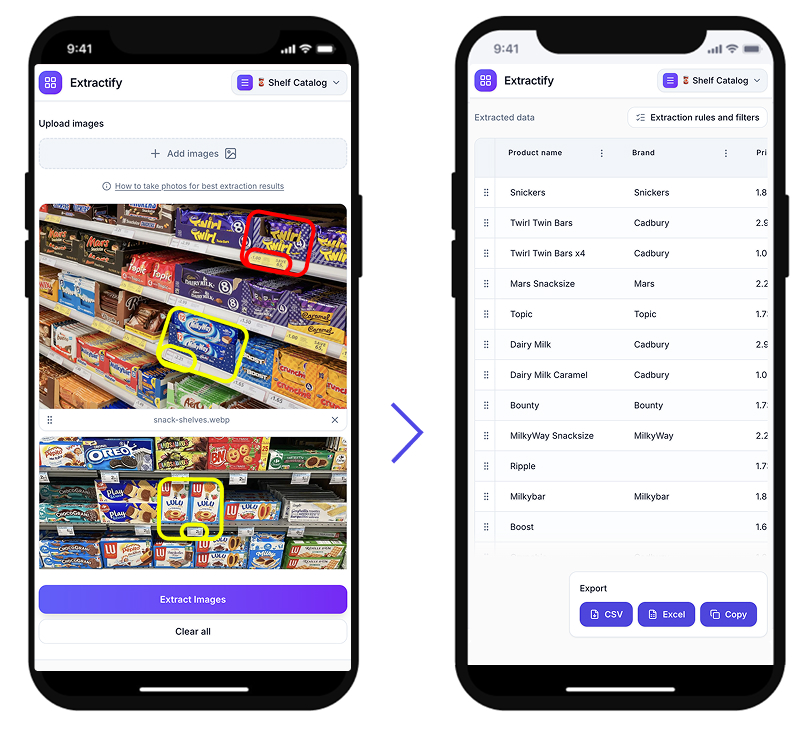
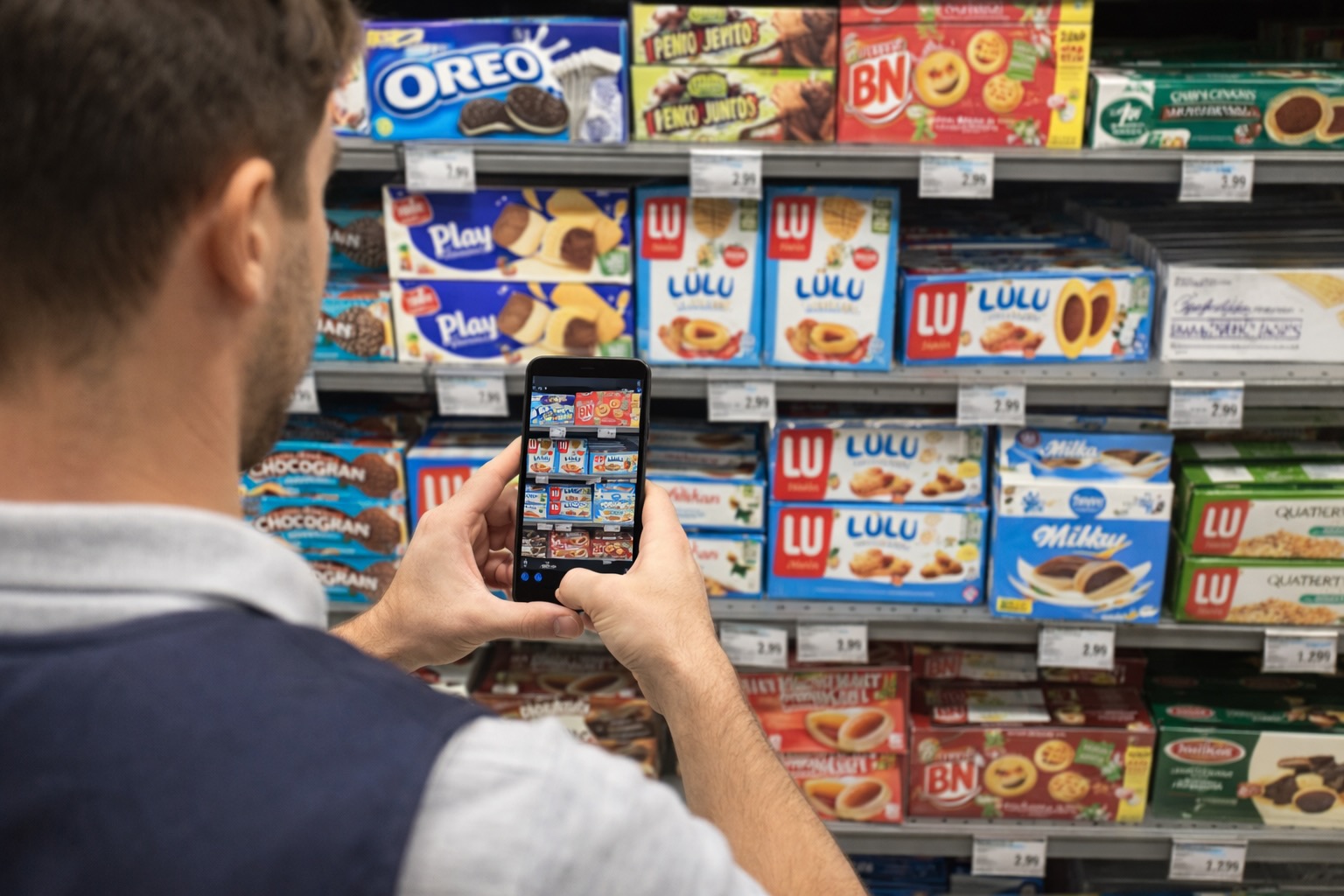
Upload one or many shelf photos
- 🔍Step 2
Extractify reads product labels and price tags automatically
- 📊Step 3
Review and edit columns
- 📥Step 4
Export to CSV or Excel
Who uses this tool?
Retail managers · Grocery stores · Brand auditors · Merchandisers · Category managers
Retail teams often need to catalog products across dozens of shelves, manually noting product names, prices, and positions. This process is slow and prone to errors.
Extractify automates this by analyzing shelf photos and extracting product information directly from visible labels and price tags, turning hours of manual work into seconds.
FAQ
Can AI extract product information from shelf photos?
Yes. Extractify uses image recognition and text extraction to read product names, brands, and prices directly from shelf labels and price tags.
The system processes the photo and organizes the extracted data into a structured catalog table, ready to export or edit.
What is the fastest way to catalog store shelves?
The fastest way to catalog store shelves is to take photos and use Extractify to convert the images into structured data.
Instead of manually entering each product into a spreadsheet, the system automatically reads the visible labels and creates a catalog table from the photo.
How can I extract product information from shelf photos?
You can extract product information from shelf photos using AI image recognition software. Simply upload a photo of a retail shelf and the system will detect visible product labels and price tags, then organize the data into a structured catalog.
How to automate retail price audits from shelf photos?
Yes. Extractify is well-suited for retail price audits. By uploading shelf photos, you can quickly extract product names and prices across multiple locations and compare them in a spreadsheet.
This eliminates the need to manually note prices from each shelf during store visits.
Is there a way to scan retail shelves automatically?
Yes. Extractify lets you take photos of store shelves and automatically extract product data. Instead of manually writing down product names or prices, the system reads the information directly from the image and converts it into structured data.
This is commonly used for retail audits, shelf cataloging, and competitive price monitoring.
How do retailers perform shelf audits?
Retail shelf audits are traditionally done by employees or field representatives who visit stores, take notes, and manually record product availability and prices.
With AI shelf extraction tools, auditors can simply take photos of shelves and automatically generate structured audit reports from the images.