Convert Image to Excel
Upload image files, detect table structure automatically, and generate Excel-ready rows you can edit before download.

Tell Extractify what to extract
Turn images into Excel-ready data
- Detect tables in photos, screenshots, and scanned images
- Upload multiple images at once
- Automatically identify headers, rows, and columns
- Extract text, numbers, prices, dates, and totals
- Review and edit the extracted data before export
Export your structured table to Excel in seconds.
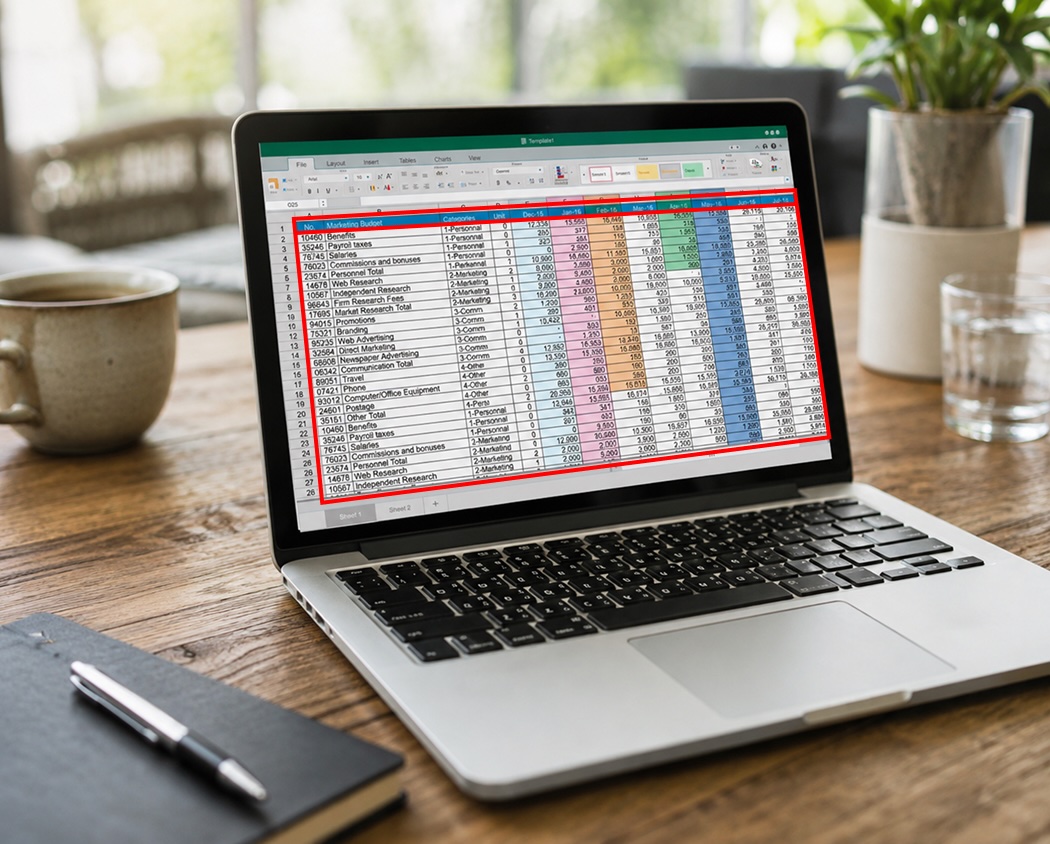
How to convert image data into Excel
- 📷Step 1
Upload one or more table screenshots, scans, or photos
- 🔍Step 2
Extractify reads the table structure and values automatically
- 📊Step 3
Review and edit extracted rows and columns
- 📥Step 4
Export to Excel
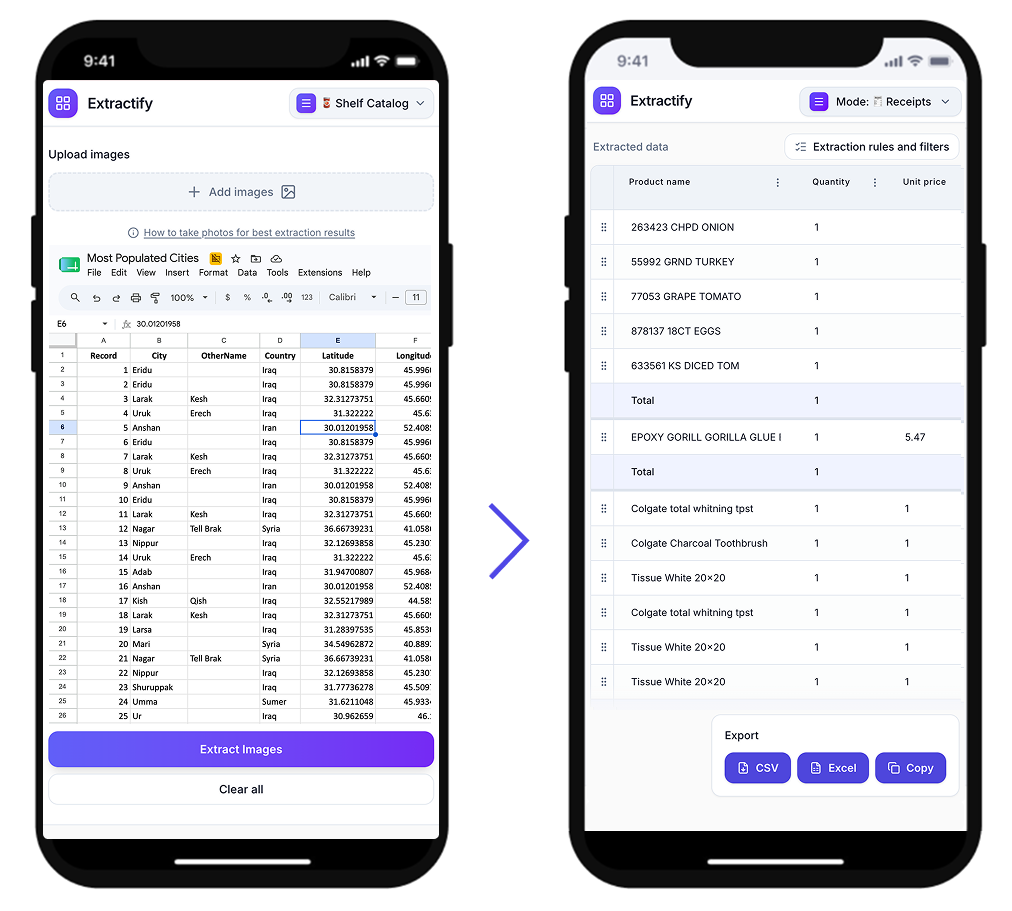
Who uses image-to-Excel conversion?
Operations and admin teams · Finance and accounting teams · Analysts and reporting teams · Ecommerce and catalog managers · Freelancers and small business owners
Teams often receive key data as photos, screenshots, or scanned image files, then lose time retyping it into spreadsheets.
This mode helps convert those image-based tables into clean Excel-ready rows faster, with an editable review step before export.

FAQ
How can I convert an image into Excel?
Upload your image to Extractify. It detects table headers, rows, columns, and values, then converts them into editable data you can export directly to Excel.
Can Extractify extract tables from JPG and PNG images?
Yes. Extractify can detect tables in JPG and PNG files, including screenshots, scanned images, and photos of printed tables.
Can I extract a table from a screenshot into Excel?
Yes. Paste or upload your screenshot, and Extractify will identify the visible table structure and convert it into editable rows and columns for Excel.
Can I process multiple table images at once?
Yes. You can upload multiple images in one batch and process them in a single extraction flow before exporting to Excel.
Does Extractify detect columns automatically?
Yes. Extractify can automatically identify table columns. You can also specify exact fields when you want targeted extraction.
Can I review the data before exporting to Excel?
Yes. You can review and edit extracted rows and columns before exporting to Excel.