Turn shelf photos into inventory tables
Extract product names, prices, sizes, and other visible details from shelf photos or PDFs, then review and export everything in one table.

Tell Extractify what to extract
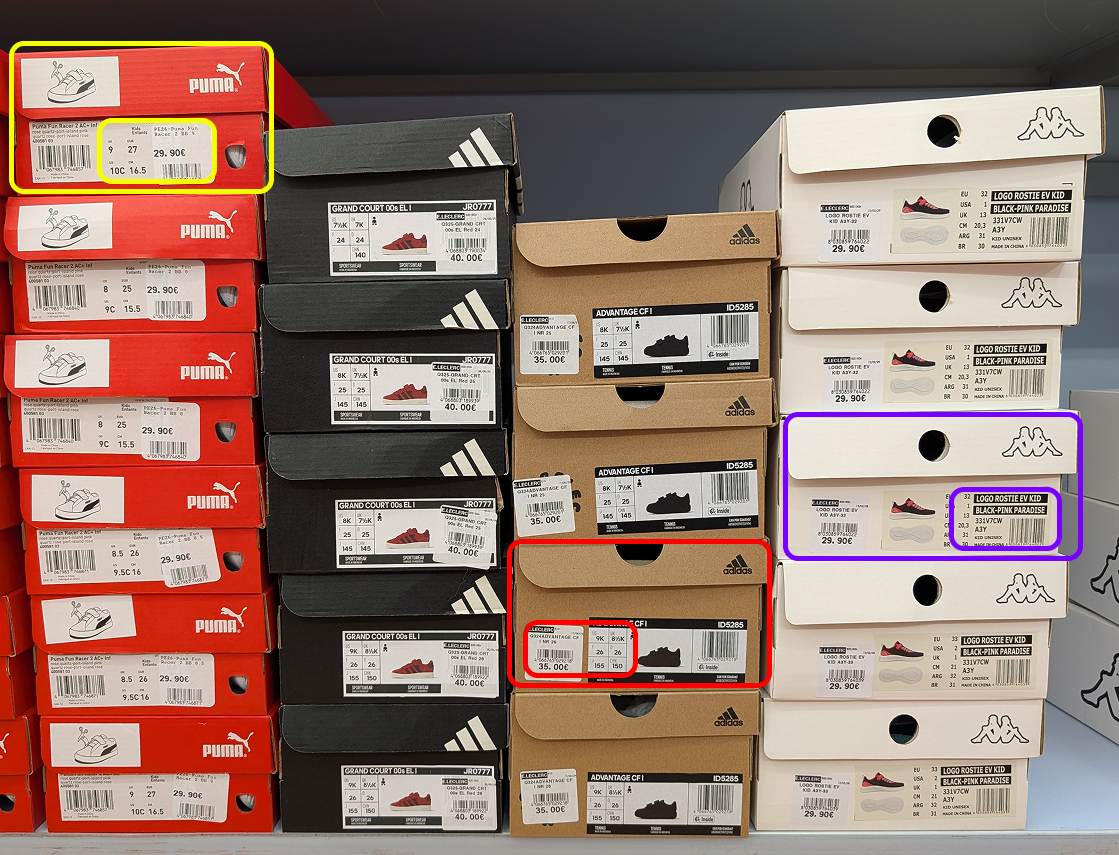
Upload a photo of your shelves and automatically extract:
- Product name
- Brand
- Quantity
- SKU
- Price
- Shelf location
- Any other field: just add a column with the name of your choice
Export instantly to Excel or CSV.
How to extract shelf inventory from images
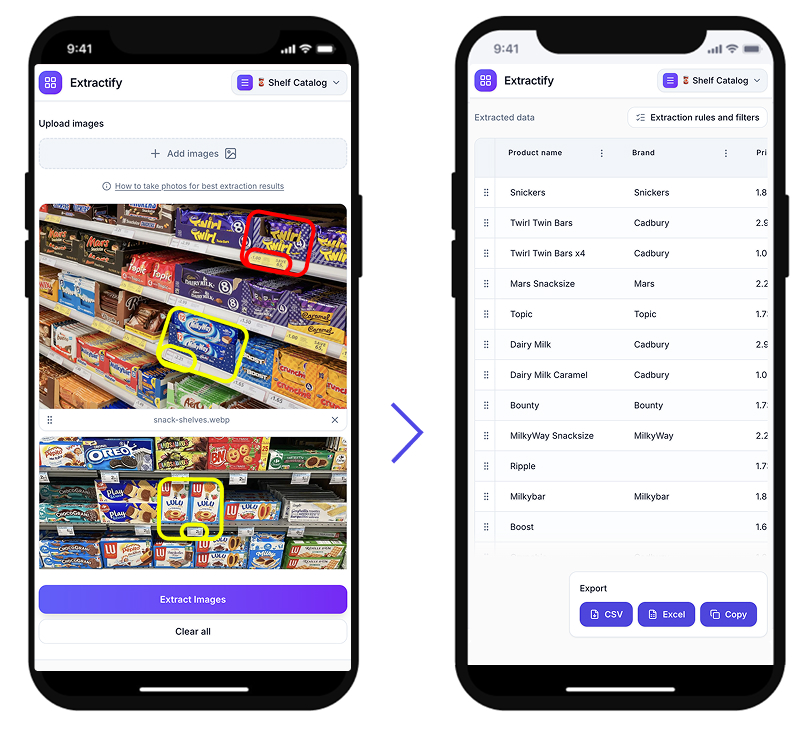
- 📷Step 1
Upload a photo of your shelf or storage area
- 🔍Step 2
Extractify detects product labels and quantities automatically
- 📊Step 3
Data is converted into a structured inventory table
- 📥Step 4
Export to CSV, Excel, or copy directly
Who uses this tool?
Store managers · Stock controllers · Retail staff · Warehouse teams · Inventory auditors
Retail and warehouse teams often track shelf inventory manually, walking the floor and recording product names, quantities, and locations by hand. This is slow, error-prone, and hard to scale.
Extractify automates this by analyzing shelf photos and extracting product information directly from visible labels, turning a time-consuming task into a matter of seconds.
FAQ
How to do a stock count without counting manually?
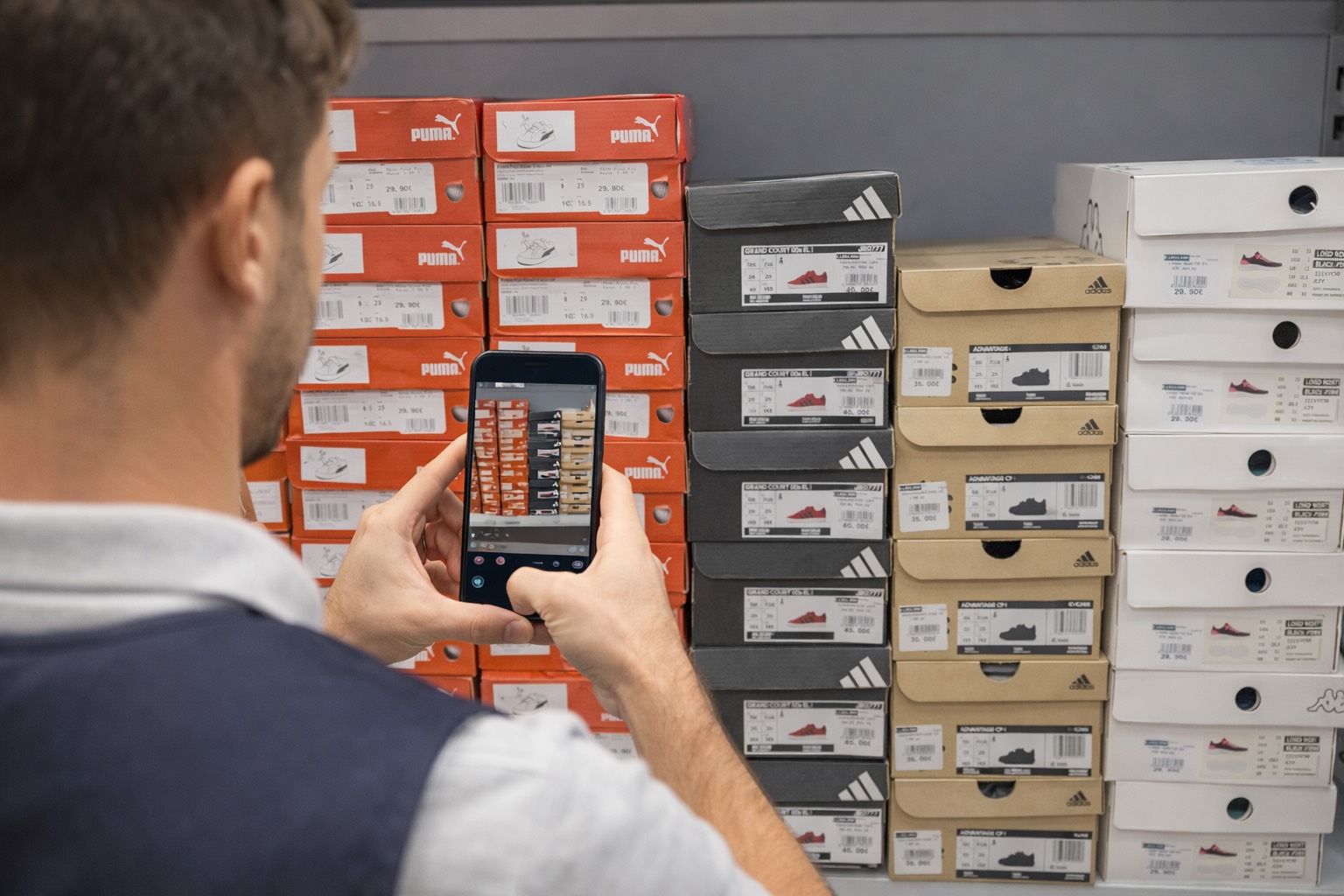
Instead of walking the floor and recording quantities by hand, you can take photos of your shelves and use Extractify to extract the inventory data automatically.
The software reads product labels directly from the photo and generates a structured list with product names, quantities, and other visible information — no manual counting required.
How to speed up inventory counting in a retail store?
The fastest way to count retail inventory is to photograph your shelves and let software extract the data for you. This eliminates the need to manually note each product and enter it into a spreadsheet.
With tools like Extractify, a full shelf can be processed in seconds, significantly reducing the time spent on regular stock counts.
How to create an inventory spreadsheet from shelf photos?
You can create an inventory spreadsheet from shelf photos by uploading images to an AI extraction tool. The system scans the photo, detects visible product labels, and exports the data into a structured table compatible with Excel, CSV, or Google Sheets.
What is the best app to track store shelf inventory?
The best tools for tracking store shelf inventory let you upload photos and automatically convert them into structured data. Instead of scanning barcodes one by one or entering products manually, you photograph the shelf and get a ready-to-use inventory list.
Extractify is built for exactly this — upload shelf photos, extract product data, and export to a spreadsheet in seconds.
How to digitize inventory without a barcode scanner?
You can digitize inventory without a barcode scanner by using Extractify. Simply take photos of your shelves and upload them — the software reads product labels directly from the image.
This approach works even when products don't have barcodes, since it reads the visible text on labels rather than scanning codes.
How often should a retail store do a shelf inventory?
Most retailers perform a full shelf inventory monthly or quarterly, with spot checks done more frequently for high-turnover products. The main barrier is how time-consuming manual counts are.
By using photo-based inventory tools, teams can run shelf counts much more often without adding significant overhead — making it easier to keep inventory data accurate and up to date.