Turn warehouse photos into inventory spreadsheets
Read bins, pallets, and labels from your images—build a structured table you can audit and export in seconds.

Tell Extractify what to extract
Upload a photo of your warehouse and automatically extract:
- Product name
- SKU
- Bin id label
- Storage location
- Brand
- Condition
- Any other field — just add a column with the name of your choice
Export instantly to Excel or CSV.
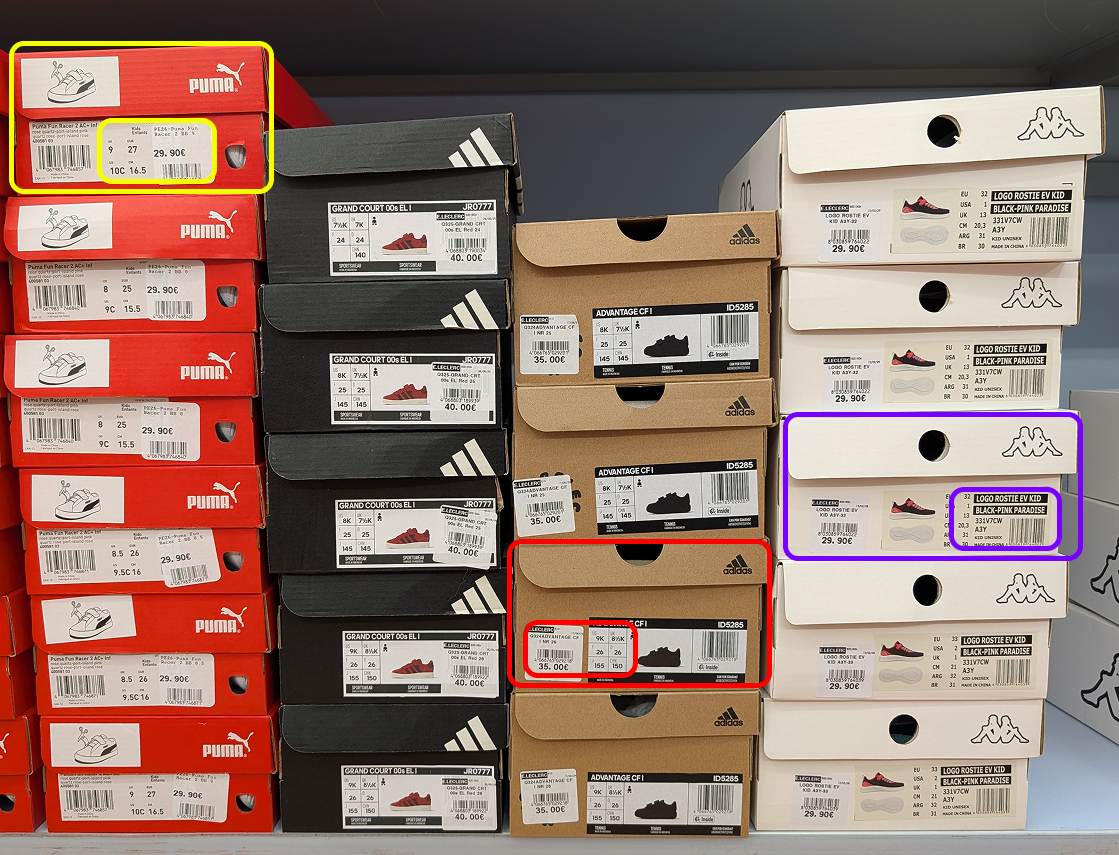
How to extract warehouse stock from images
- 📷Step 1
Upload a photo of your warehouse shelves, pallets, or storage area
- 🔍Step 2
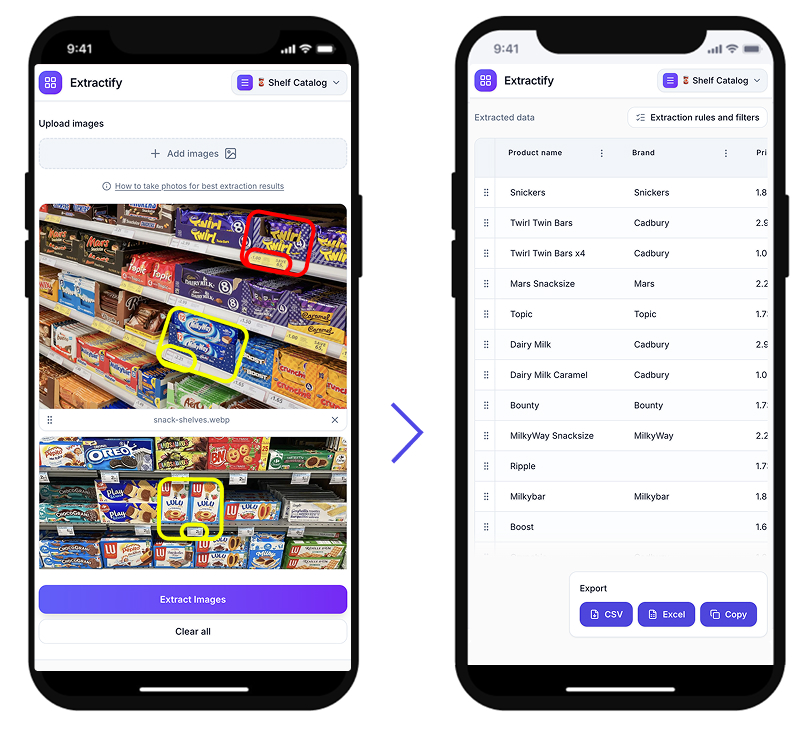
Extractify detects product labels and quantities automatically
- 📊Step 3
Data is organized into a structured stock list table
- 📥Step 4
Export to CSV, Excel, or copy directly
Who uses this tool?
Warehouse managers · Logistics teams · Stock controllers · Operations managers · Inventory auditors
Warehouse teams typically perform stock checks by walking through aisles, scanning barcodes, or manually recording product details on paper. This process is time-consuming and difficult to scale across large facilities.
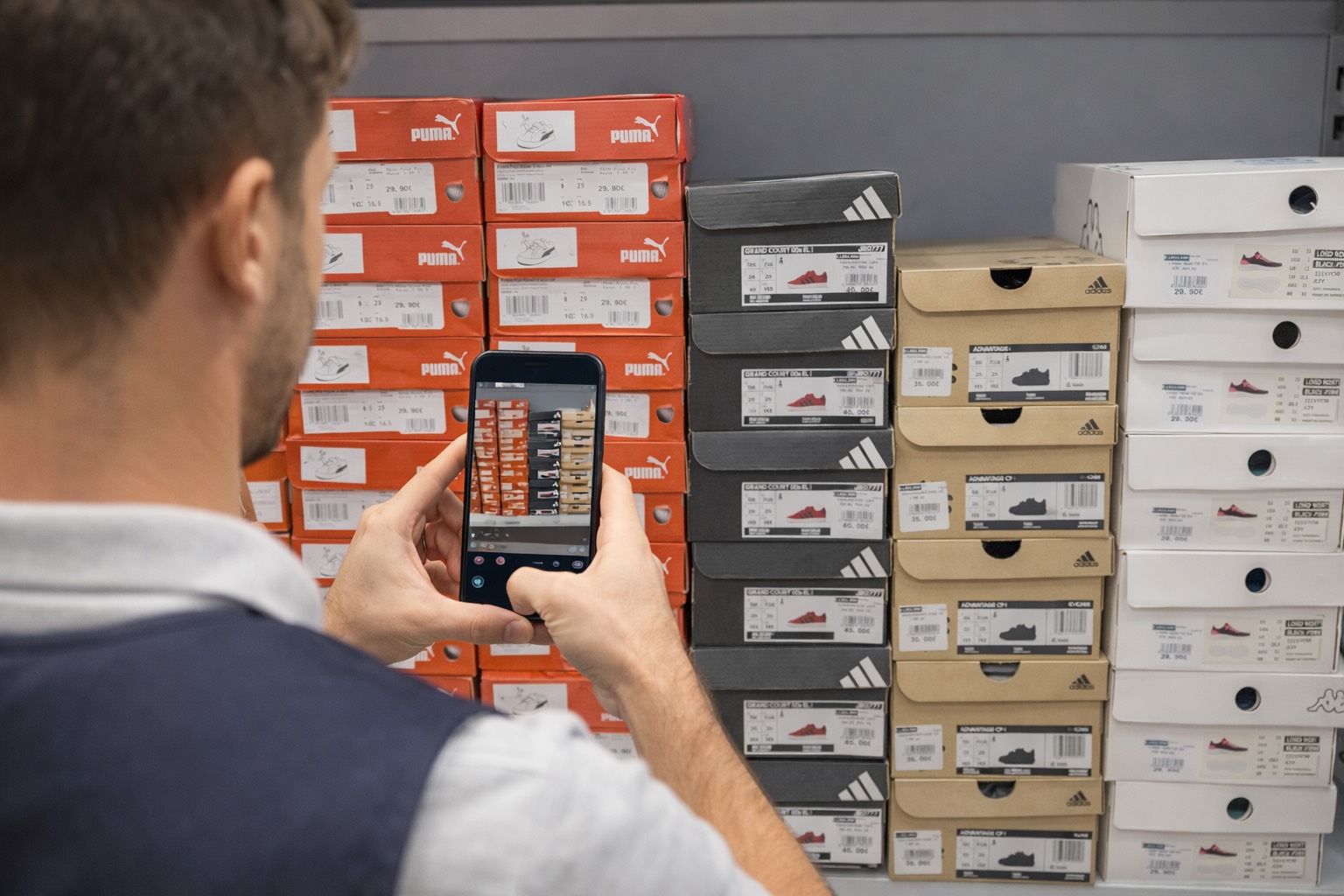
Extractify speeds this up by analyzing photos of warehouse shelves, pallets, and storage areas to extract product information directly from visible labels — turning a multi-hour task into minutes.
FAQ
How to do a warehouse stock count faster?
Traditional warehouse stock counts involve teams walking through aisles and recording products manually, which can take days. A faster approach is to photograph shelves and storage areas and use image recognition software like Extractify to extract the data automatically.
This eliminates manual data entry and significantly reduces the time and workforce needed for a full stock count.
How to manage warehouse inventory without a barcode scanner?
You can manage warehouse inventory without a barcode scanner by using photo-based extraction tools. Simply take photos of your shelves or pallets and upload them — the software reads product labels directly from the image.
This is especially useful in environments where products don't have barcodes, or when you need a quick overview without specialized equipment.
How to create a stock list from warehouse photos?
You can create a stock list from warehouse photos by uploading images to an AI extraction tool. The system scans the photo, detects visible product labels and quantities, and exports the data into a structured table compatible with Excel, CSV, or Google Sheets.
This works for shelves, pallets, storage racks, and any area where product labels are visible.
What is the best way to do a stock check in a warehouse?
The most efficient way to do a stock check in a warehouse is to combine regular cycle counts with photo-based extraction tools. Instead of counting every item manually, teams can photograph storage areas and let software generate the inventory list.
Extractify is designed for this — upload a photo of your warehouse shelves and get a structured stock list ready to export in seconds.
How to digitize warehouse inventory quickly?
The quickest way to digitize warehouse inventory is to take photos of your storage areas and use Extractify to convert label data into a structured spreadsheet.
Instead of typing product names, SKUs, and quantities manually, the system reads the information directly from the image and generates a ready-to-use inventory file.
How often should you do a warehouse stock check?
Most warehouses perform a full stock check quarterly, with cycle counts done more frequently for fast-moving or high-value items. The frequency is often limited by how long manual counts take.
Using photo-based inventory tools makes it practical to run stock checks more often with less effort, keeping inventory data accurate without disrupting warehouse operations.