Extract data from receipt photos
Pull merchant, date, line items, and totals from photos or scans. Edit in the table, then export to CSV or Excel in seconds.

Upload a photo or scan of a receipt and automatically extract:
- Merchant name
- Date
- Receipt number
- Item description
- Quantity
- Unit price
- Line total
- Tax and tip
- Grand total
- Any other field — just add a column with the name of your choice
Export instantly to Excel or CSV.
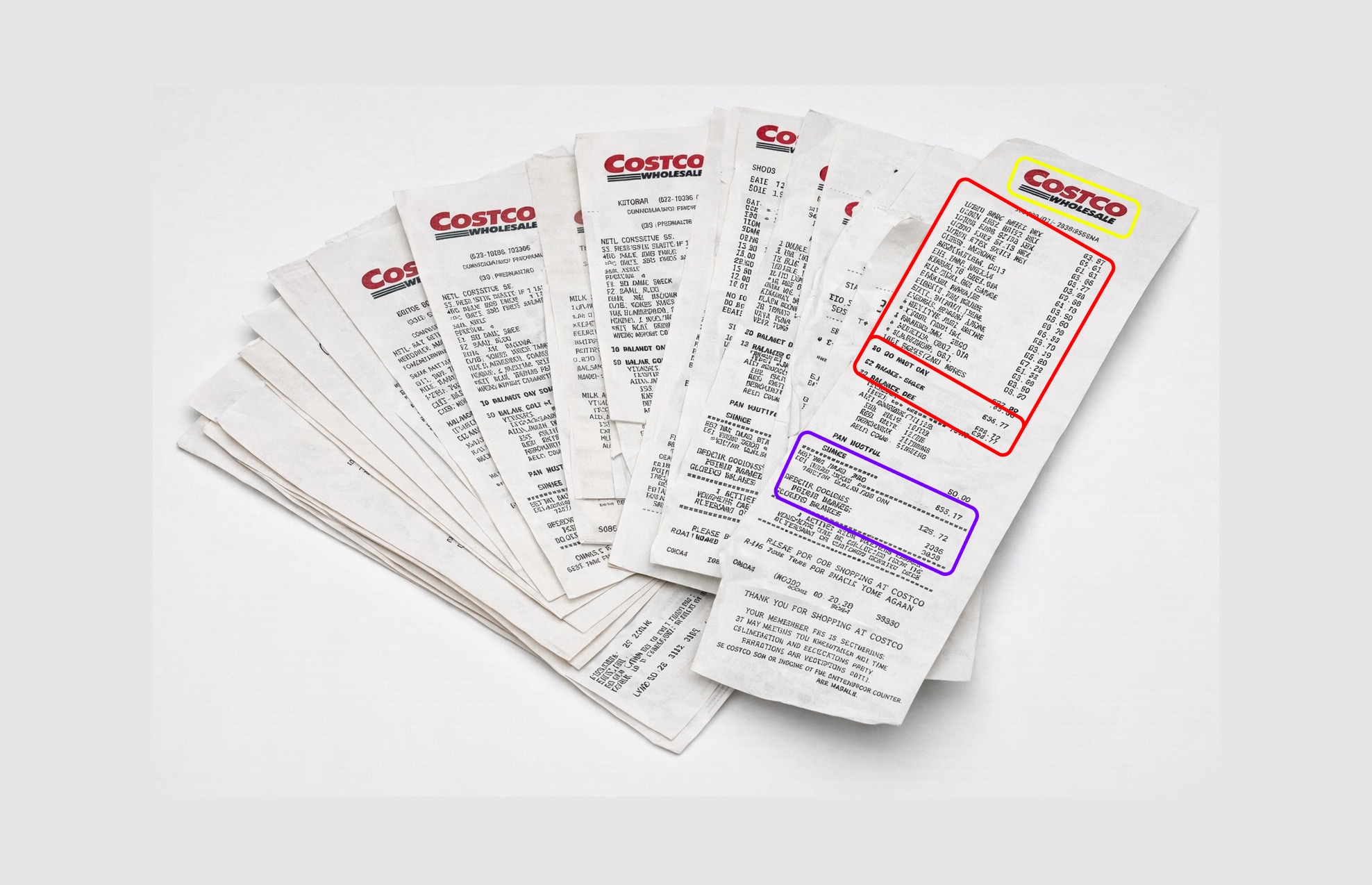
How to extract data from receipts
- 📷Step 1
Upload a photo or scan of one or several receipts
- 🔍Step 2
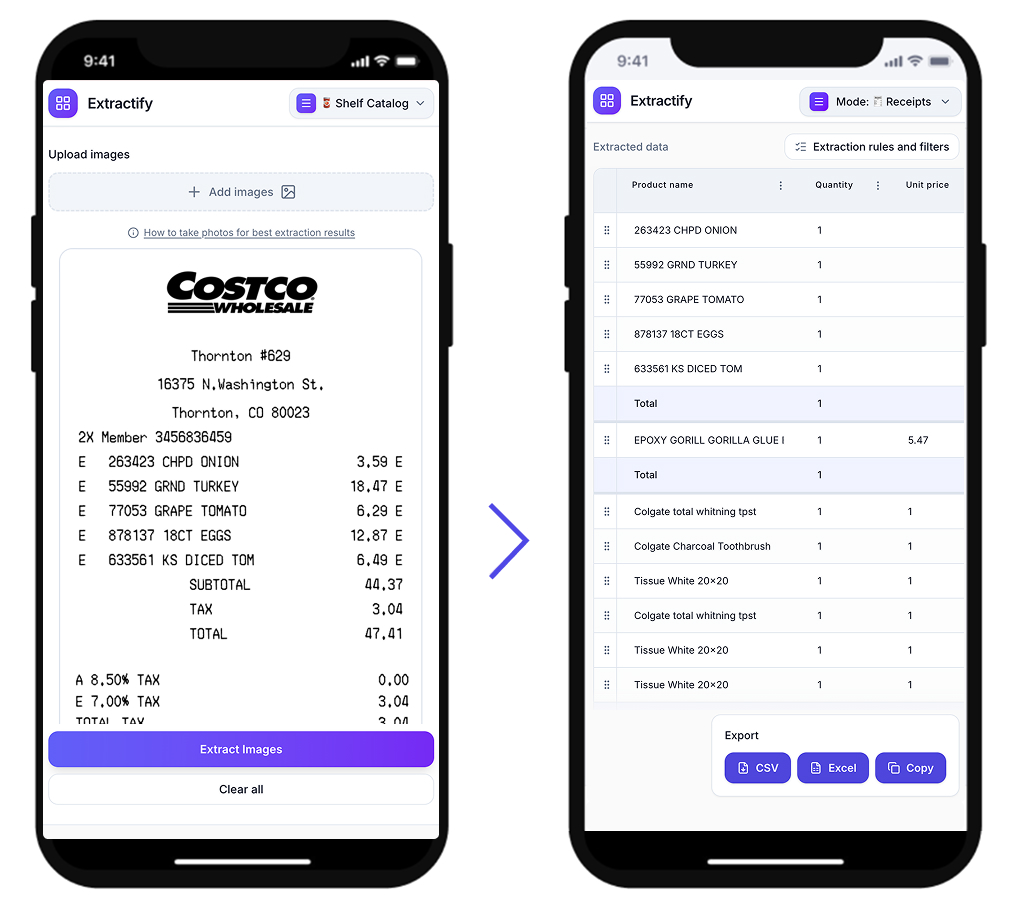
Extractify reads the merchant, date, line items, prices, and totals automatically
- 📊Step 3
Review and edit the extracted data in the table
- 📥Step 4
Export to CSV, Excel, or copy directly
Who uses this tool?
Freelancers and contractors · Small business owners · Finance and accounting teams · Expense report managers · Bookkeepers
Manually entering line items from receipts into spreadsheets is tedious and error-prone — especially when handling dozens of receipts at once. Accountants and finance teams often spend hours each month on this task.
Extractify automates it: upload a photo or scan of your receipt and the tool reads merchant names, dates, item descriptions, prices, and totals, then builds a structured table you can review, edit, and export in seconds.

FAQ
Can AI extract data from receipt photos?
Yes. Extractify uses image recognition and text extraction to read merchant names, dates, line items, prices, and totals directly from receipt photos or scans.
The system processes the image and organizes the extracted data into a structured table, ready to export or edit — no manual typing required.
How do I convert a receipt photo into a spreadsheet?
Upload the receipt photo to Extractify. The tool extracts visible line items, prices, dates, and other details and outputs a structured table you can export to CSV or Excel. You can also upload multiple receipts at once to combine everything into one table.
Can I upload multiple receipts at once?
Yes. You can upload several receipt photos in a single batch. Extractify processes each one and combines the extracted data into a single table, making it easy to track expenses from multiple receipts in one export.
What types of receipts does this work with?
It works with retail receipts, restaurant bills, shipping receipts, invoices, and most documents where items, prices, and totals are visible. As long as the text on the receipt is legible in the photo, Extractify can extract the data.
How to speed up expense reporting from receipts?
Instead of typing receipt details by hand, take photos of your receipts and upload them to Extractify. The tool reads merchant, date, line items, and totals automatically and generates a table you can paste directly into your expense report or accounting software.
Is there a way to extract line items from a receipt, not just the total?
Yes. Extractify extracts individual line items from receipts — not just the grand total. You can get item descriptions, quantities, unit prices, and line totals as separate columns, making it useful for detailed expense tracking or bookkeeping.