Scan receipts online—beyond basic OCR
Upload a photo and turn the visible receipt into structured merchant, purchase, and total fields you can review instead of receiving one block of unorganized text.

A receipt scanner should organize what it reads:
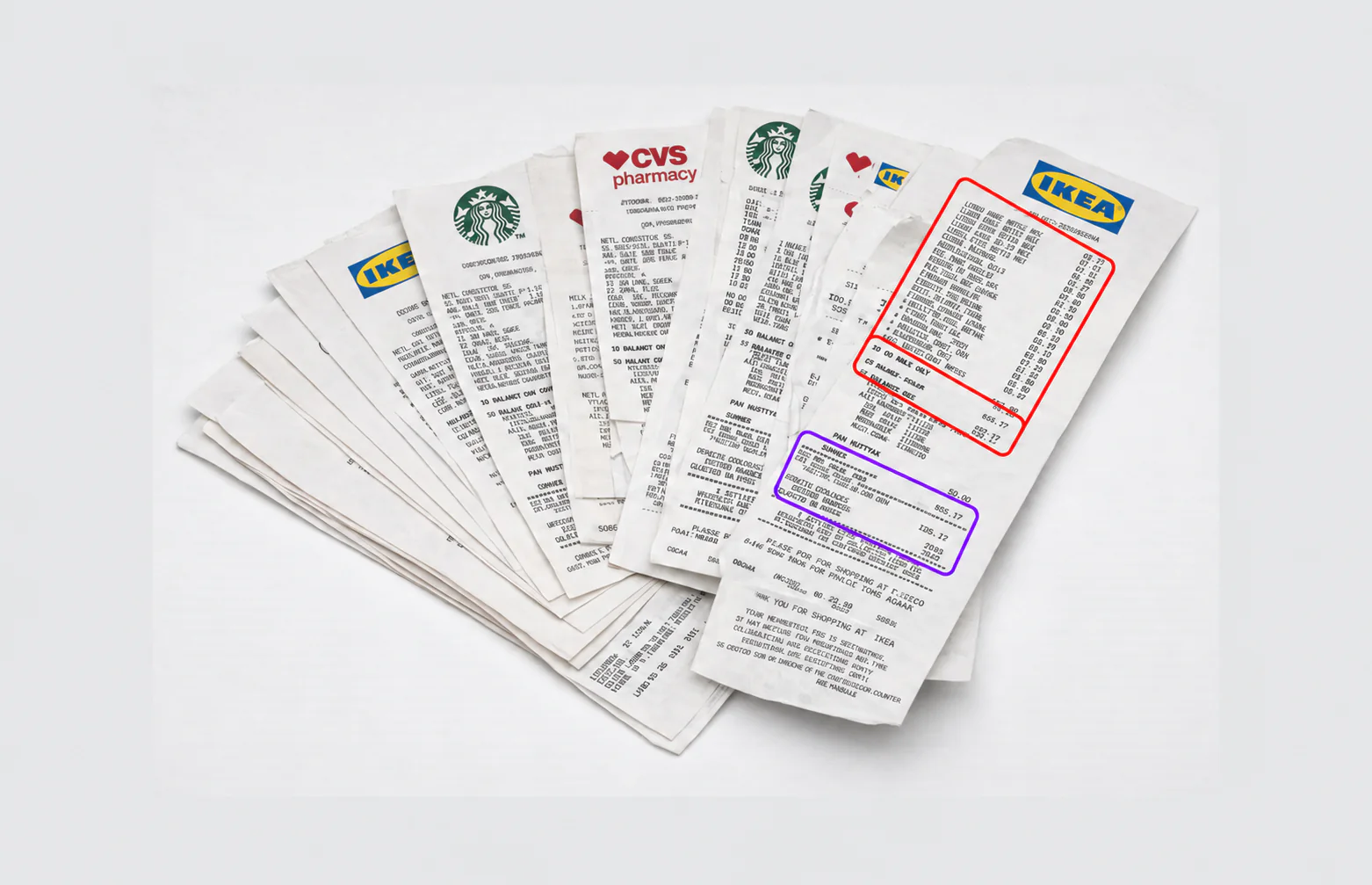
- Detect separate receipts in an uploaded batch
- Identify store, purchase date, and payment method
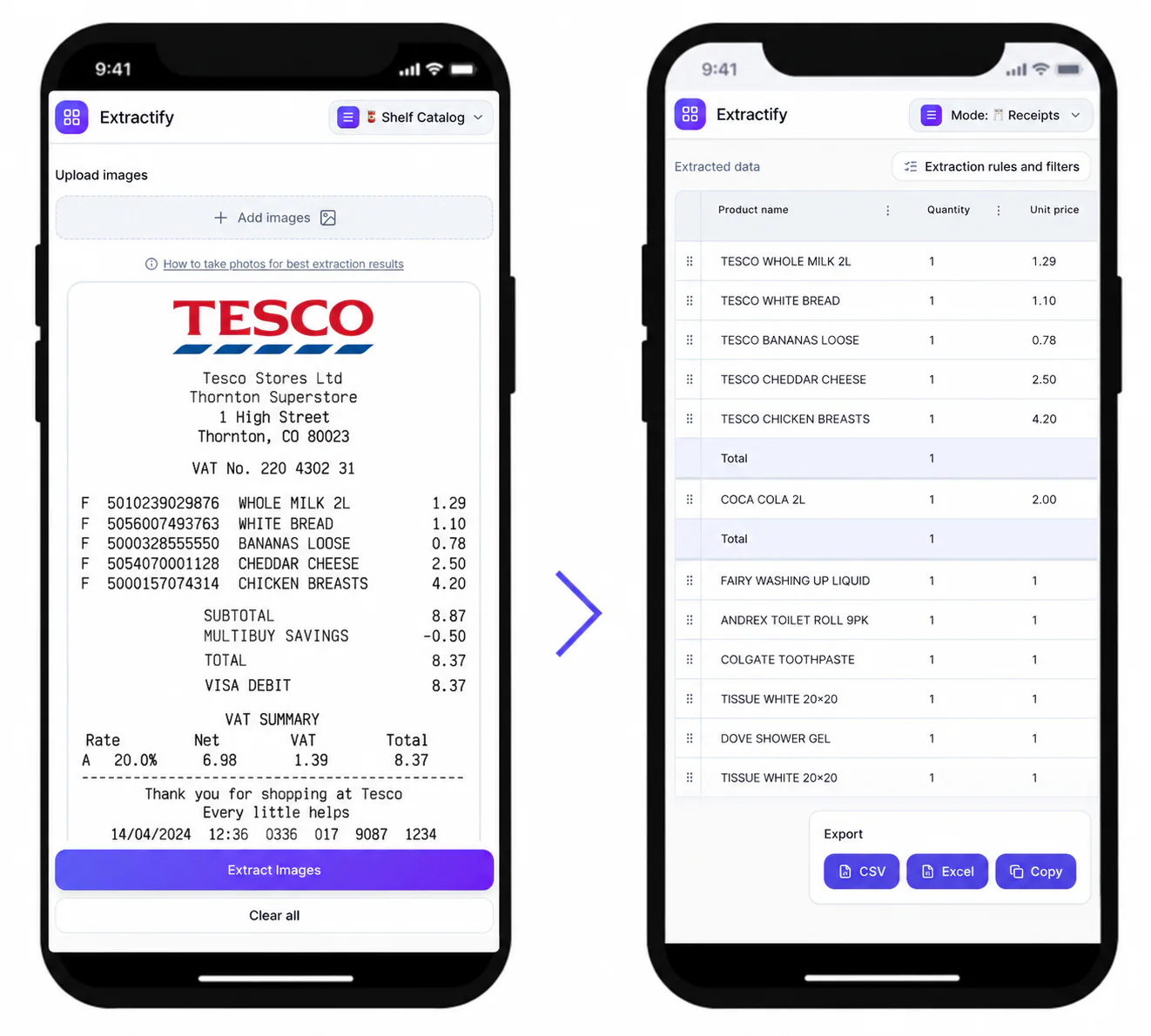
- Create individual rows for visible purchases
- Keep quantity, unit price, and line total separate
- Capture discounts, tips, fees, tax, and final total when printed
- Flag incomplete totals rather than silently filling missing data
Use the editable results to correct faded text or ambiguous figures before downloading your data.
How to get a cleaner receipt scan
- 💡Step 1
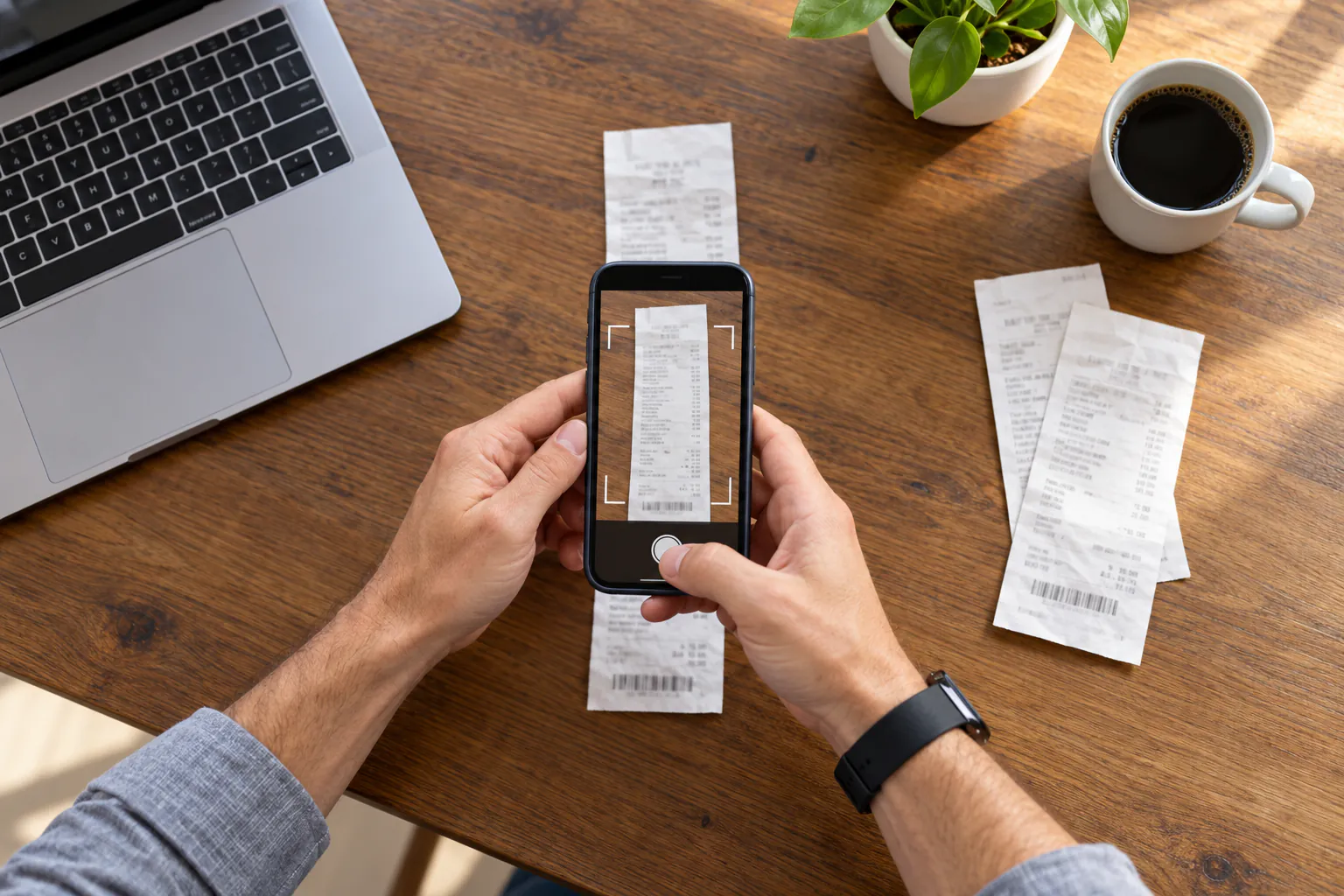
Photograph the entire receipt in even light with the text in focus
- ✂️Step 2
Crop excessive background while keeping the header and total visible
- 🔍Step 3
Run the scan and compare uncertain fields with the original image
- 📥Step 4
Export the corrected summaries and itemized rows to XLSX or CSV
What an online receipt scanner can help with
Mobile workers · Freelancers · Households · Small businesses · Expense teams
A structured receipt scan is useful for turning paper purchases into an expense log, checking a reimbursement submission, organizing household spending, or preparing records for later review. It is especially helpful when the receipt contains many products that would otherwise require repetitive data entry.
Image quality still matters. Creases, glare, cut-off totals, overlapping fingers, bleed-through, and very faint thermal printing can reduce accuracy. Keep the original receipt and verify material amounts before relying on the extracted data for accounting, taxes, warranties, or disputes.
FAQ
What is the difference between receipt OCR and a receipt scanner?
Basic OCR returns recognized text. This receipt scanner also organizes that text into fields such as supplier, date, receipt number, line-item description, quantity, price, tax, discount, and total.
Can I scan a receipt from my phone?
Yes. Upload a phone photo as long as the receipt is legible, reasonably straight, fully visible, and not obscured by strong glare or shadows.
Can the scanner read long supermarket receipts?
Yes, but use a sufficiently sharp image so product descriptions and prices remain readable. For a very long receipt, ensure the camera resolution is high enough and the edges are not cropped.
Can it scan several receipts at once?
Yes. Upload multiple files in one batch. Extractify keeps the receipts as separate documents while combining their summaries and line items into tables you can review.
Why are some VAT fields blank?
A product tax letter or a tax-inclusive total does not reveal the actual VAT amount by itself. If the receipt does not explicitly show usable tax detail, the scanner leaves those fields incomplete instead of inventing a zero.
Can I correct scanning mistakes?
Yes. The extracted table is editable, so you can compare it with the receipt image and correct descriptions, dates, prices, categories, or totals before export.