Create cosmetics shelf inventory from photos
Turn skincare, makeup, hair-care, and personal-care shelf images into editable product and variant rows for inventory review.

Extract visible beauty shelf details such as:
- Product and brand name
- Product type, line, shade, scent, or variant
- Visible units or facing count
- Size, price, and promotional label
- SKU, barcode, fixture, shelf, or bay
- Category and custom audit fields
Check shade names and near-identical variants against the source photo.
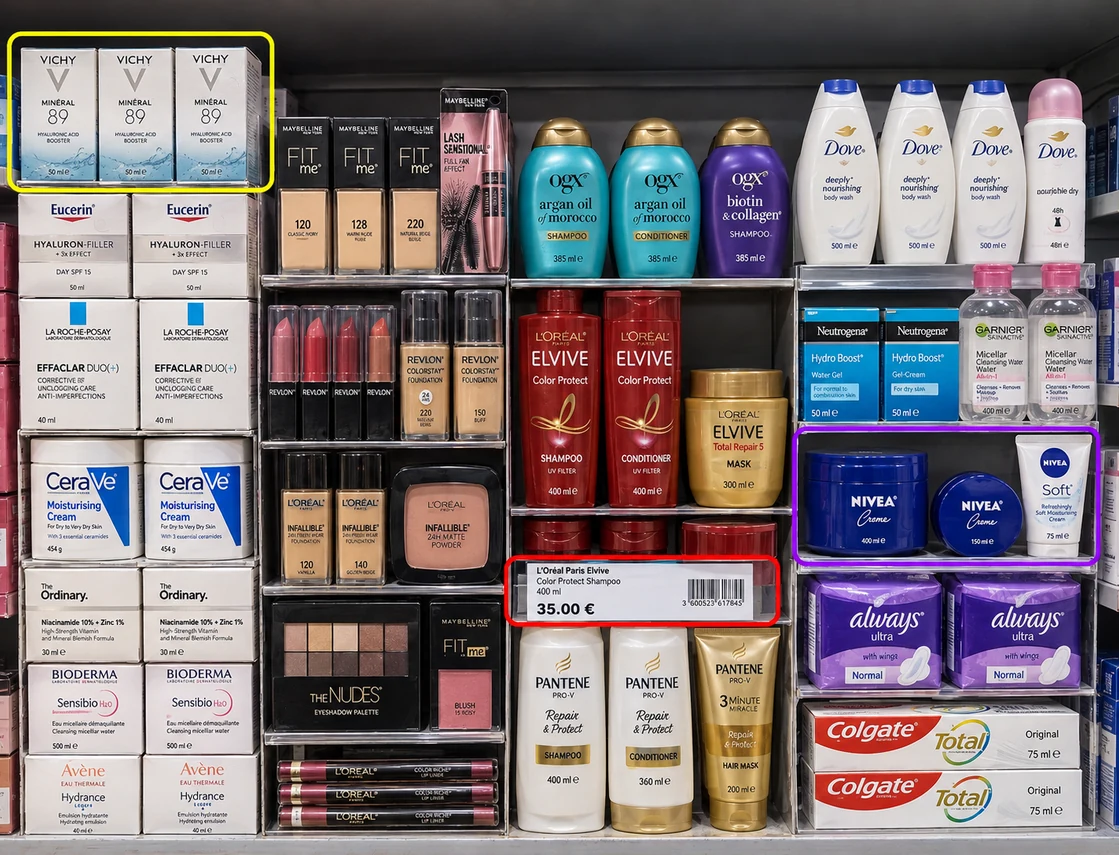
How cosmetics shelf inventory extraction works
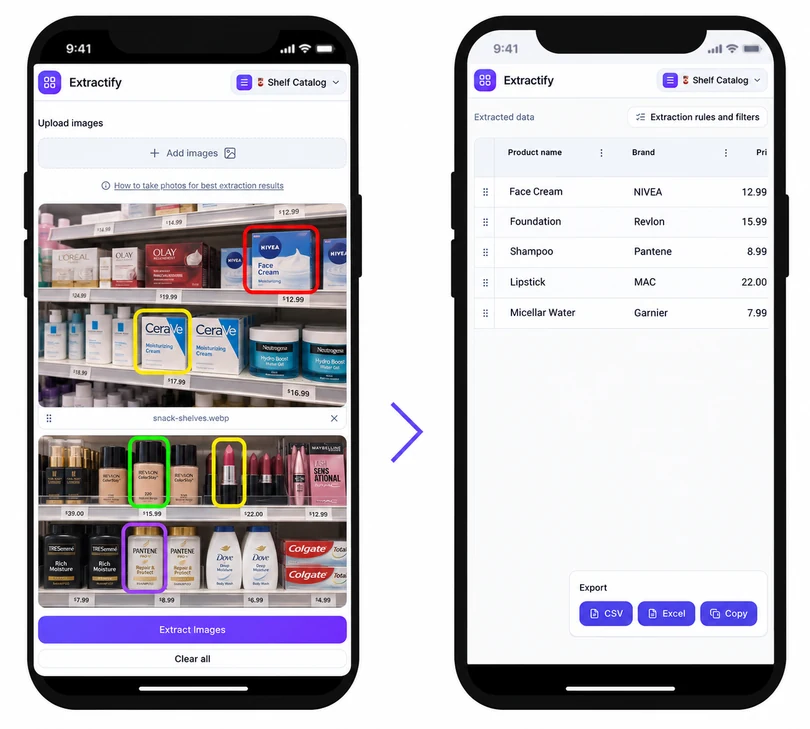
- 📸Step 1
Photograph each beauty shelf or display bay
- 💄Step 2
Extract visible products, variants, prices, and facings
- 🎨Step 3
Review shade, size, scent, and product-line details
- 📊Step 4
Export the reviewed inventory to Excel or CSV
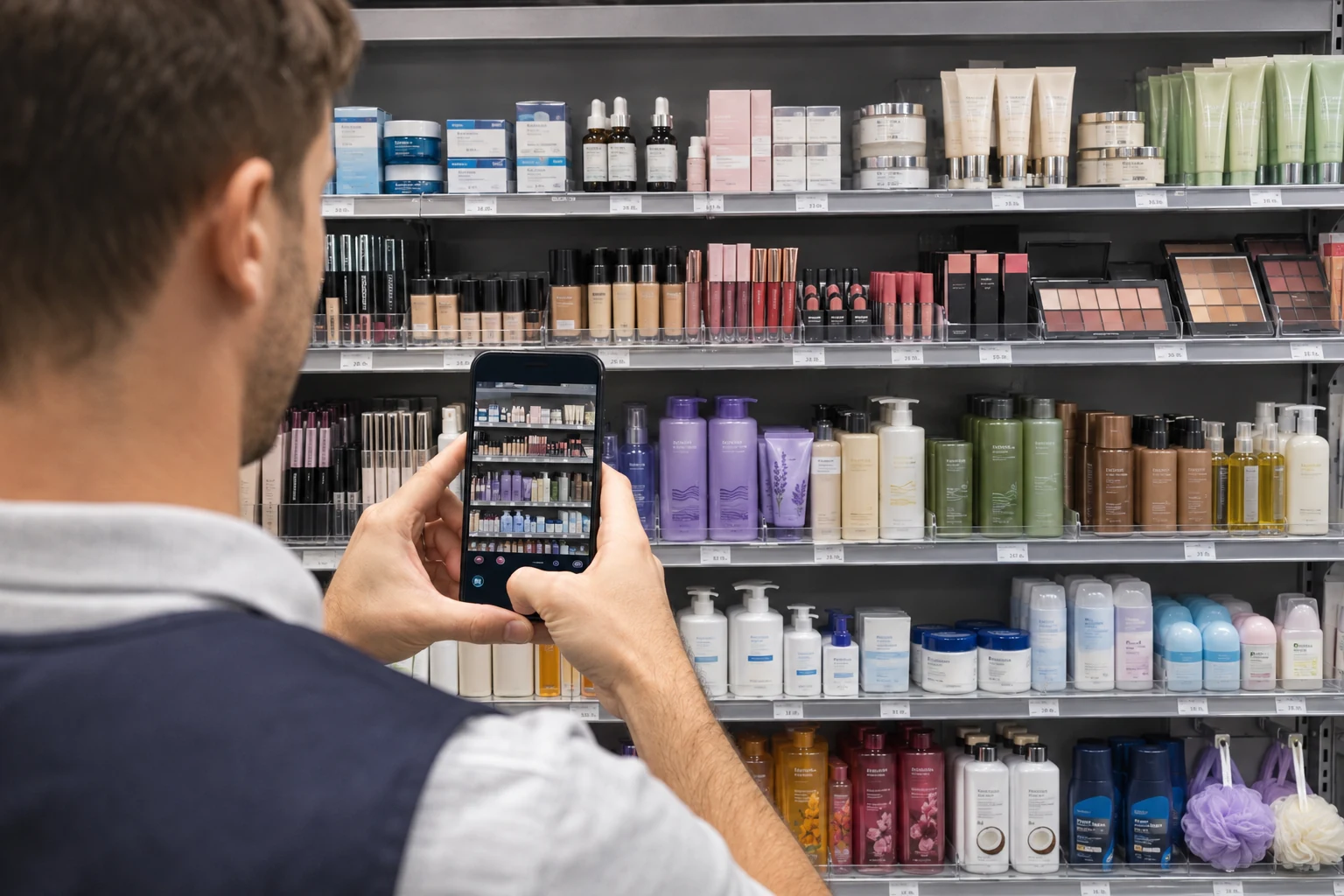
Who inventories cosmetics shelves from photos?
Beauty retailers · Cosmetics brands · Merchandising teams · Department store staff · Field auditors
Beauty displays can contain many small products with similar packaging and subtle differences in shade, formula, size, or finish. A manual shelf list becomes difficult to maintain when testers, promotional units, and saleable stock share the fixture.
Extractify creates editable rows from visible packaging and labels. Teams can use the result for assortment reviews, display checks, and visible-facing counts. Mark testers and display samples separately, verify shade-level details, and reconcile drawers or backstock when a complete sellable inventory is needed.
FAQ
Can shelf photos identify makeup shades?
Shade names or numbers can be captured when they are readable on the visible package or shelf label. Small labels and similar colors should be checked manually.
Can I separate testers from saleable cosmetics?
Yes. Add a status or unit-type column and label visible testers, display samples, and saleable units separately during review.
What beauty categories can be inventoried?
Skincare, makeup, hair care, fragrance, bath, oral care, and personal-care products can be organized when the packaging and labels are visible.
Can I track shelf facings by brand?
Yes. Extract brand and visible facing counts, then summarize the reviewed spreadsheet by brand, category, fixture, or store location.
Can cosmetics inventory be exported to Excel?
Yes. Review the product and variant rows, then download an XLSX or CSV file for assortment analysis, audits, or import preparation.