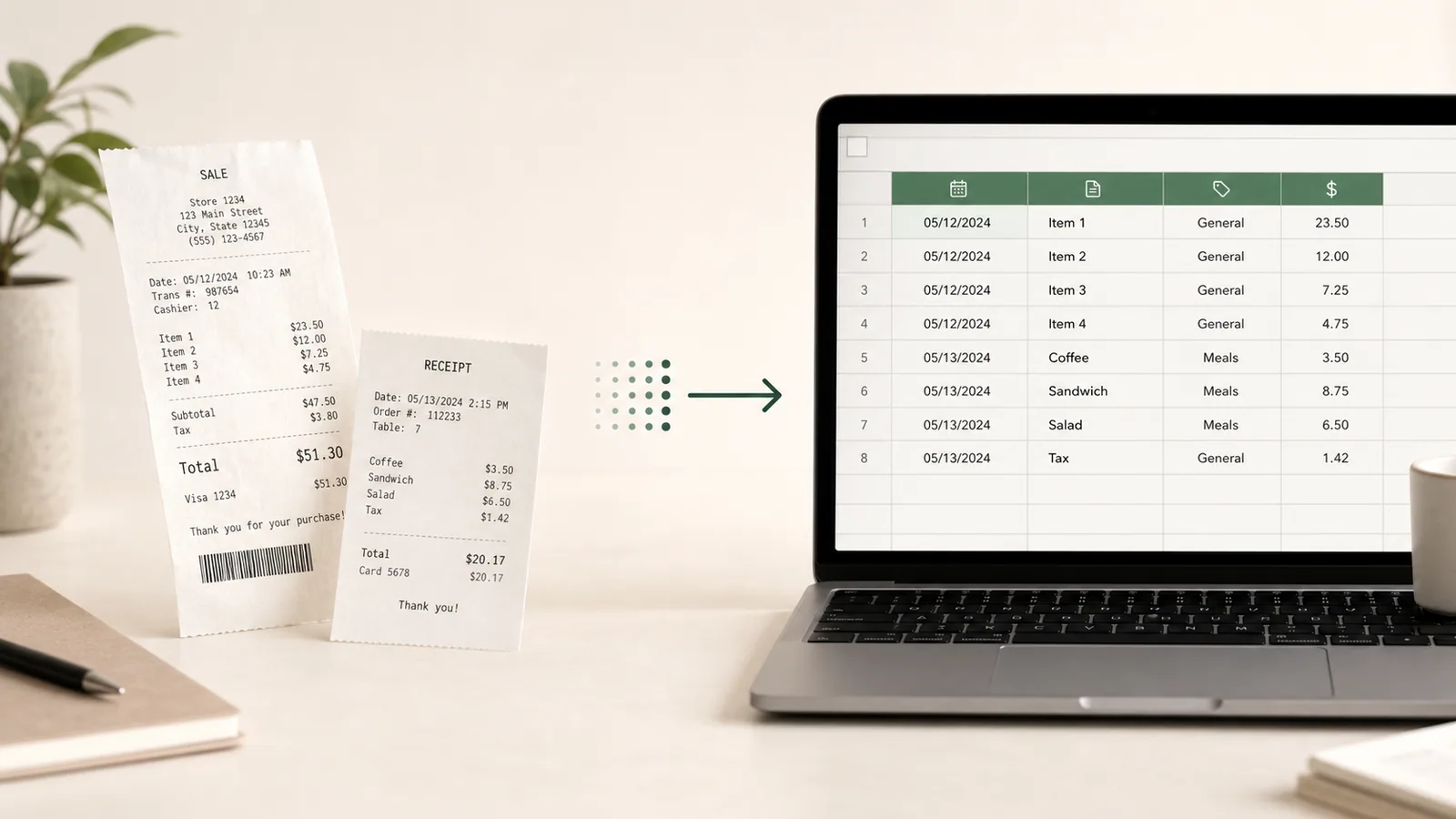
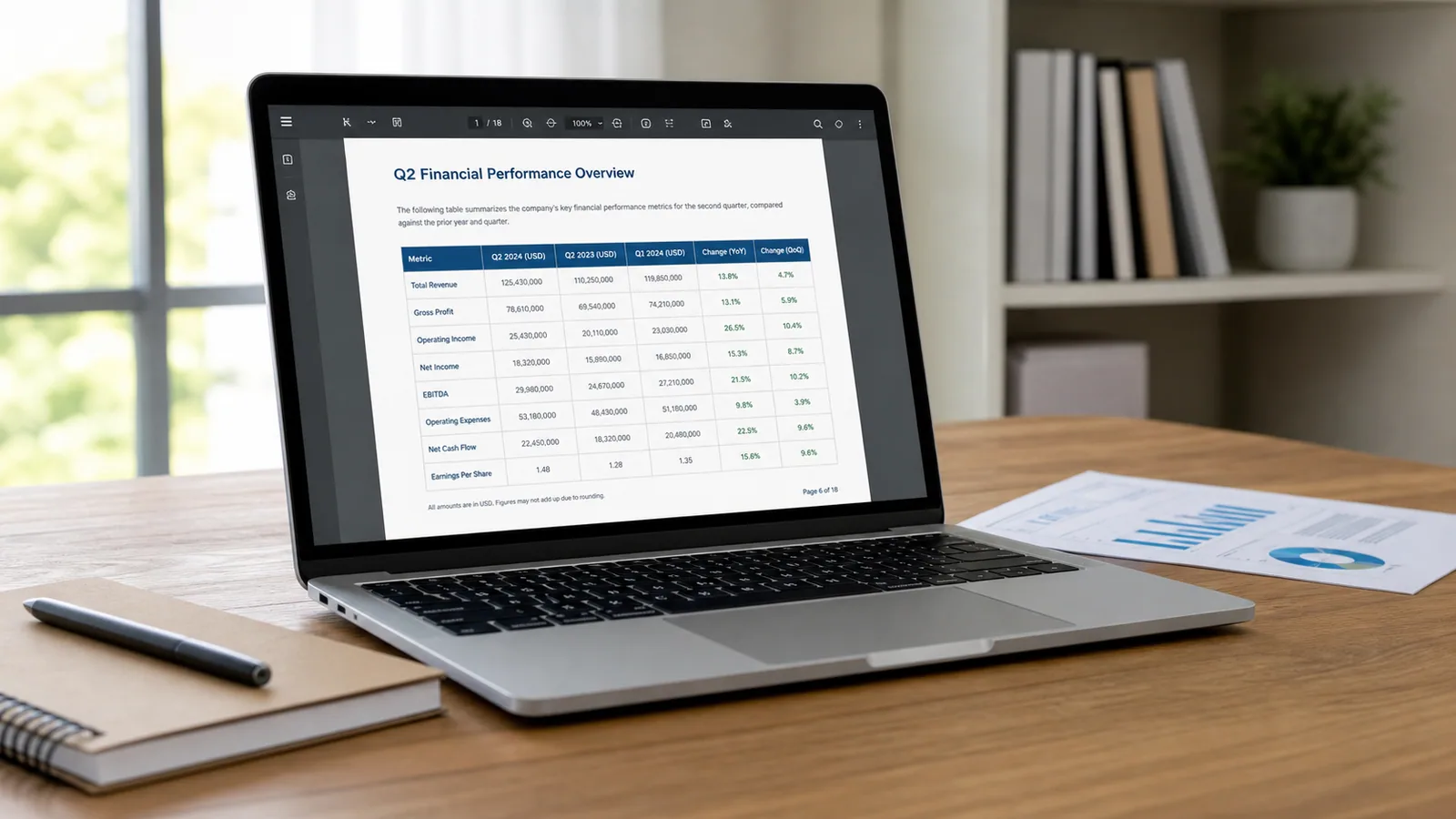
Top Tools to Convert Invoices to Excel Automatically in 2026

An invoice may look structured, but its useful data is often trapped in a PDF, scan, or photo. Copying supplier names, invoice numbers, dates, taxes, totals, and line items into a workbook is slow, and a missed due date can have consequences. In the UK, large businesses reported paying 15% of invoices late in 2025.
This guide compares seven tools that can convert invoices into Excel or CSV in 2026. Some provide a direct upload, review, and download workflow. Others are designed for developers or finance teams that need validation, approval, matching, and ERP integration around the extracted data.
Prices below are public US prices checked in September 2026. Taxes, currencies, contracts, minimum volumes, and included features can change.
Quick comparison
| Tool | Best for | Spreadsheet output | Line items | Workflow style |
|---|---|---|---|---|
| Microsoft Excel | Occasional, table-like invoice images | Native Excel workbook | Limited by the layout | Built into Excel |
| Extractify | Turning invoice files into an editable spreadsheet quickly | Excel and CSV | Yes | Direct visual workflow |
| Docsumo | Custom extraction, validation, and document review | Excel, CSV, and JSON | Yes | Document AI platform and API |
| Parseur | No-code extraction from email and recurring document flows | Excel and CSV, plus integrations | Yes | No-code automation |
| Nanonets | Higher-volume invoice and AP automation | CSV and Excel, plus structured integrations | Yes | Workflow platform and API |
| Rossum | Enterprise AP validation, matching, and ERP workflows | XLSX and CSV, plus XML and JSON | Yes | Enterprise document automation |
| Veryfi | Developers building invoice capture into a product | Structured API data for spreadsheet or system use | Yes | API-first platform |
This is not a universal accuracy ranking. The right choice depends on whether the destination is a spreadsheet, an accounting system, or a complete accounts-payable process.
Decide what one spreadsheet row should represent
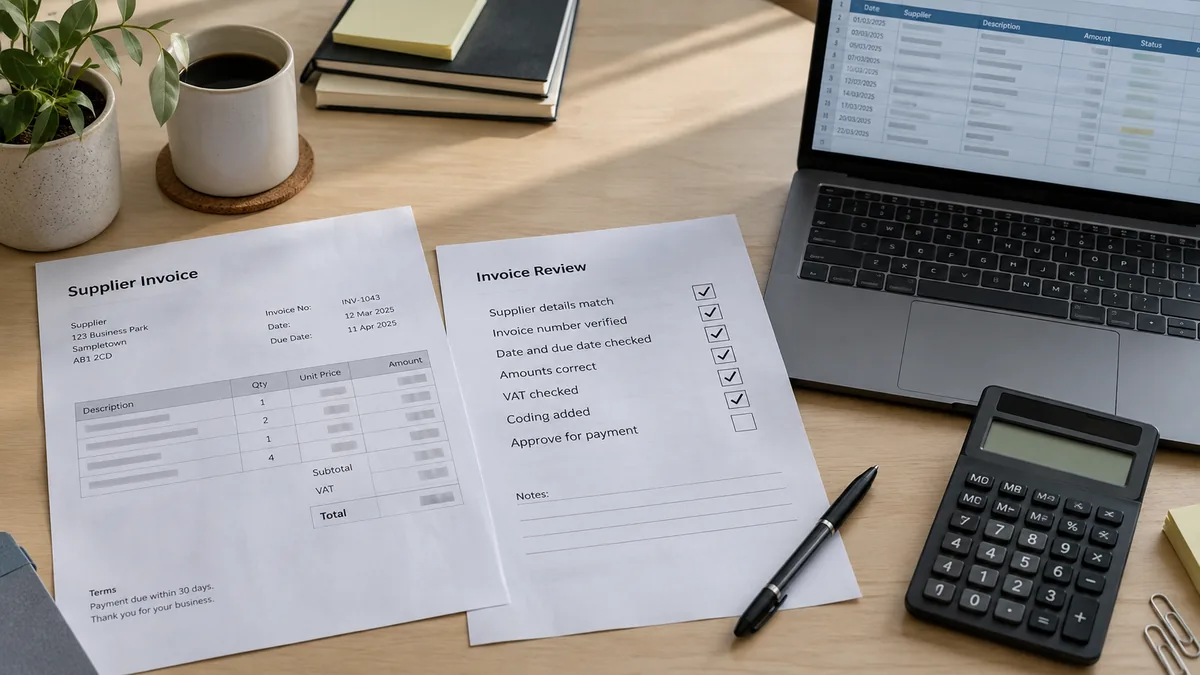
Before comparing tools, decide how the workbook will be used. An invoice summary and an invoice line-item dataset are different outputs.
For an invoice register, one row per invoice may be enough. Useful columns include:
- supplier name and tax ID;
- invoice number;
- issue date and due date;
- purchase-order reference;
- currency;
- subtotal, tax, shipping, and final total;
- payment terms;
- source-file reference.
For purchasing analysis, cost allocation, inventory, or three-way matching, you may need one row per line item. That requires product or service descriptions, quantities, units, unit prices, discounts, taxes, and line totals to remain aligned. The invoice-level fields should either repeat on every line or live in a separate worksheet linked by invoice number.

1. Microsoft Excel Data from Picture: best for occasional table-like invoice images
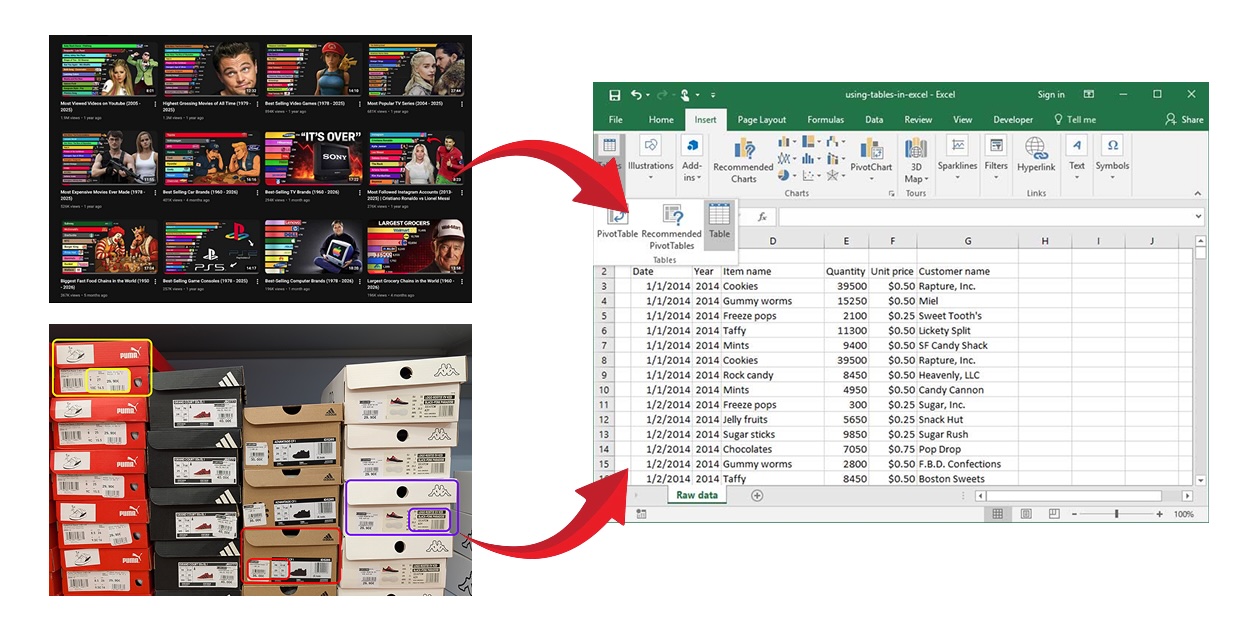
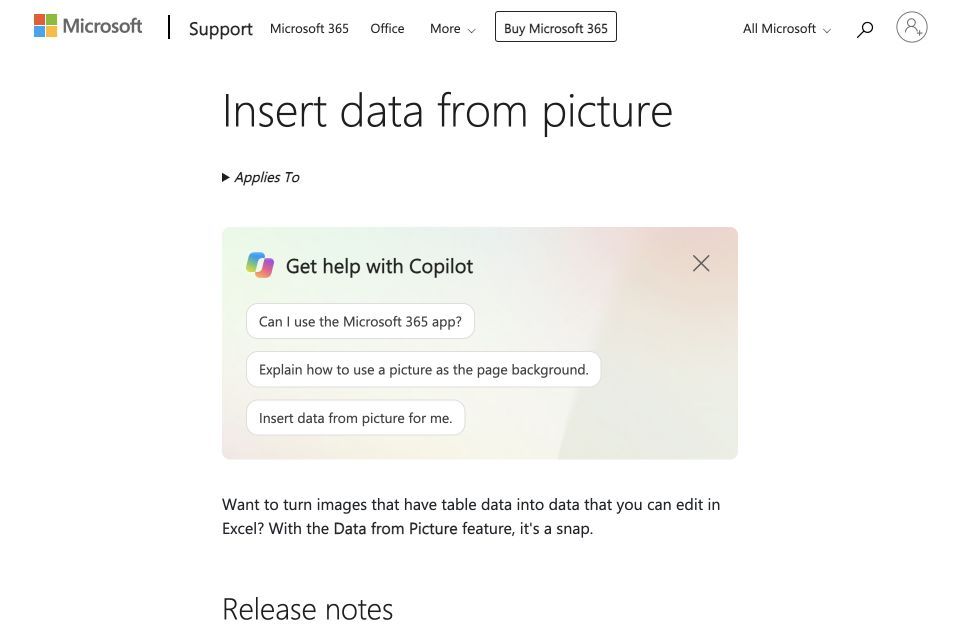
Excel's Data from Picture feature converts tabular information in an image file or clipboard capture into editable cells. Excel shows a review screen so you can correct detected values before inserting them into the workbook.
This can work for a clean invoice when the line-item grid is the only information you need. The result is already in Excel, so there is no separate export step or additional platform to configure.
Price: Data from Picture is included with supported Microsoft 365 versions of Excel. Microsoft 365 plan pricing varies by region, billing term, and package.
When Excel is a good choice
- You only have a few invoices.
- The line-item section is a clear, conventional table.
- You already use a supported version of Excel.
- You are willing to place invoice-level fields manually.
- No automated batch workflow is required.
Limitations
Data from Picture recognizes a visual table; it is not an invoice-specific parser. It does not inherently understand that one value is a due date, another is a purchase-order number, and another is the final amount payable. Mixed layouts, logos, address blocks, tax summaries, several pages, and tables without clear structure may require substantial cleanup.
For a wider comparison of image recognition methods, see the guide to extracting data from images into Excel.
2. Extractify: best for direct, editable invoice-to-Excel conversion
Extractify's invoice extraction tool focuses on a shorter path: upload invoice photos, scans, or PDFs; extract the data; review the results; and export them to Excel or CSV.
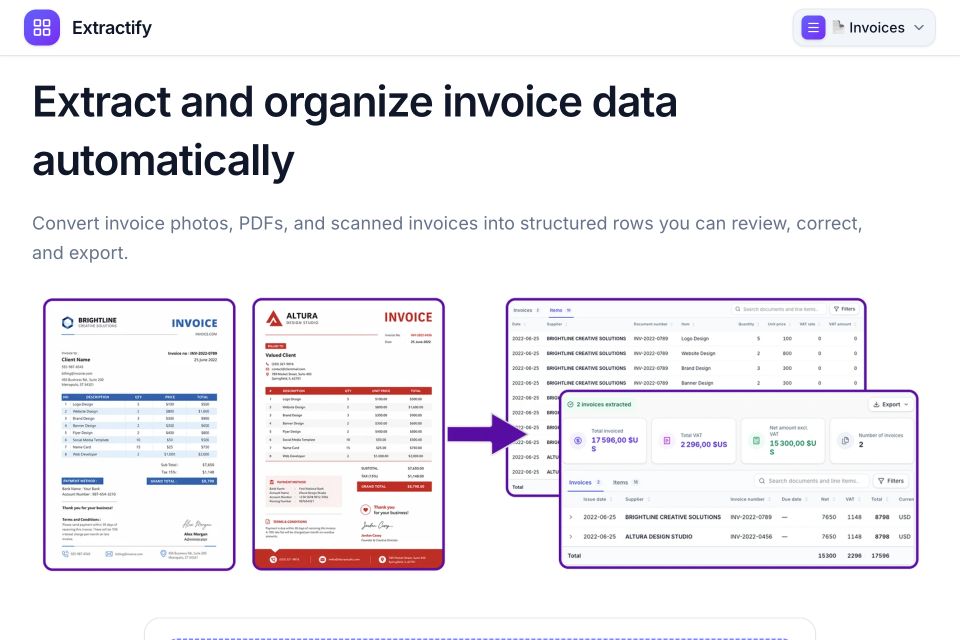
The invoice workflow captures supplier and customer details, invoice number, issue and due dates, currency, PO reference, payment terms, line items, tax breakdowns, shipping fees, and totals. You can upload several invoice files in one batch and review the extracted values before downloading the spreadsheet.
This is useful when Excel is the intended destination rather than an intermediate file in a larger AP system. The editable review step also makes it practical for bookkeeping preparation, invoice registers, reconciliations, and ad hoc analysis where the user wants to correct exceptions before export.
Price: A free Extractify account currently includes up to 300 extractions per month.
When Extractify is a good choice
- You want Excel or CSV without configuring an API or ERP integration.
- The invoices arrive as a mix of PDFs, scans, screenshots, and photos.
- You need line items as well as invoice-level fields.
- Several invoices should be processed in one batch.
- You want to review and correct extracted values before export.
Limitations
Extractify is an extraction and review tool, not a full procure-to-pay platform. If you need multi-level approvals, supplier communication, purchase-order matching, GL coding, or automatic posting to an ERP, an enterprise workflow product may fit the broader process better.
3. Docsumo: best for custom extraction and validation
Docsumo's invoice processing software turns invoice files into structured data and provides a review interface for extracted fields and tables. It supports local uploads, email, APIs, and cloud sources, with Excel, CSV, JSON, API, and webhook outputs.
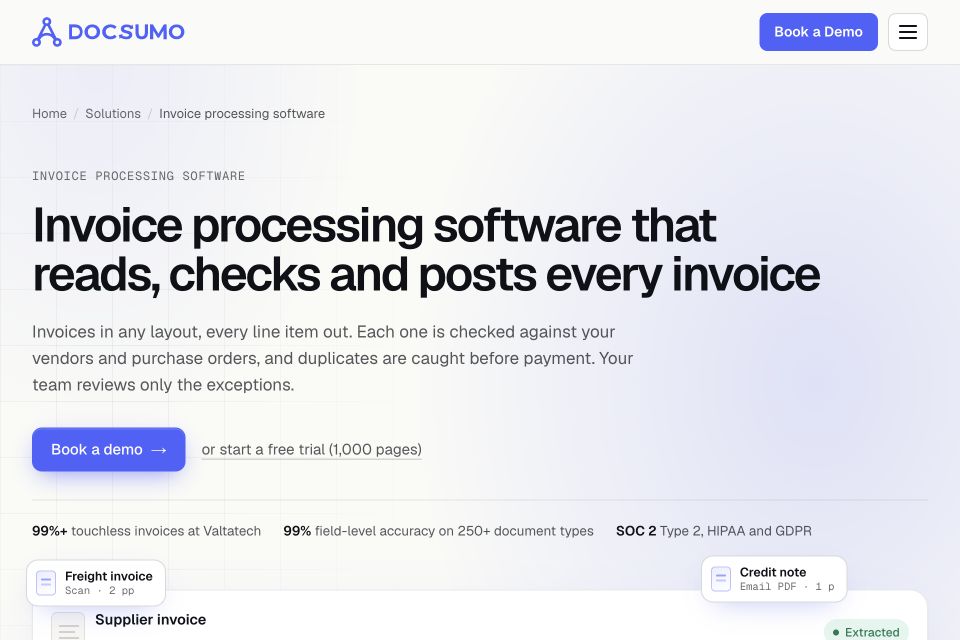
Docsumo stands out when the extraction needs to be adapted to a specific operation. Teams can customize fields, train models for a document type, apply formulas or validation rules, compare values with master data, and send the result to downstream systems.
Price: Docsumo offers a 14-day free trial. Business and Enterprise plans use quote-based pricing; the company says setup fees can apply depending on workflow complexity and support requirements.
When Docsumo is a good choice
- Your invoices contain unusual or industry-specific fields.
- You need validation against formulas, databases, or master data.
- A document review queue is part of the process.
- Developers need APIs and webhooks alongside spreadsheet downloads.
- The workflow may expand to other document types.
Limitations
Public pricing does not provide a simple cost per invoice for the paid plans. A buyer must evaluate subscription, setup, customization, and integration costs together. That makes Docsumo more involved than a direct converter for a small, occasional workload.
4. Parseur: best for no-code email-to-spreadsheet automation
Parseur Invoice OCR extracts invoice numbers, dates, suppliers, customers, totals, and line-item tables. Documents can arrive through upload, email, API, or integrations, and the resulting data can be downloaded as Excel or CSV or sent to other applications.
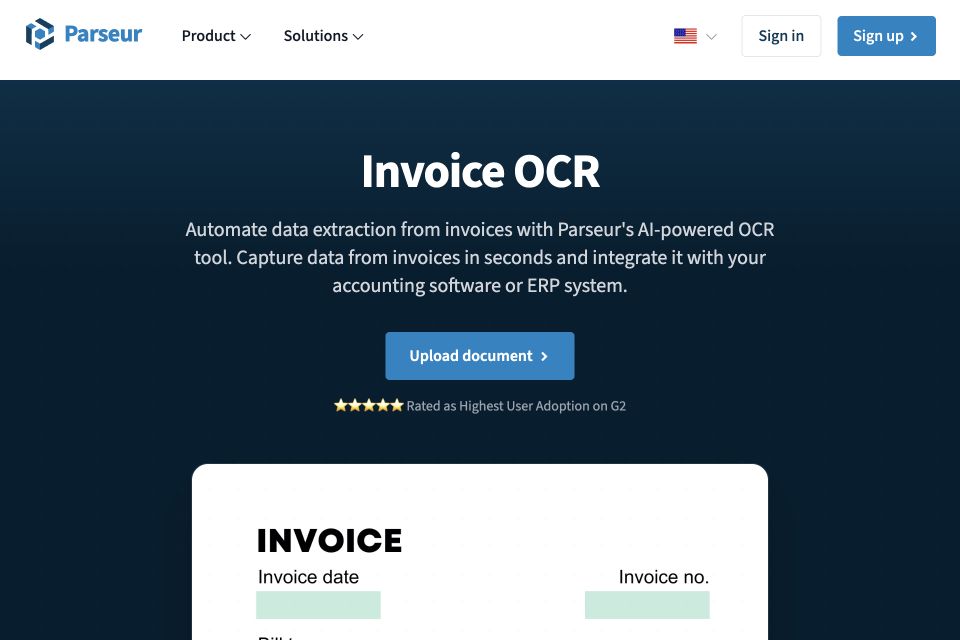
Its mailbox model is particularly useful when invoices repeatedly arrive as email attachments. A team can forward them to a dedicated Parseur address, define the desired fields, and route the extracted data to Excel, Google Sheets, Zapier, Make, n8n, or a webhook.
Price: Parseur's free tier includes 20 pages per month. Paid self-service plans are based on monthly or annual page credits; pricing scales with volume, and enterprise plans use custom quotes.
When Parseur is a good choice
- Invoices regularly arrive by email.
- You want a no-code route from a mailbox into a spreadsheet or another app.
- The required fields vary by workflow.
- Both AI-based and template-based extraction are useful.
- Integrations matter more than a standalone upload-and-download screen.
Limitations
Parseur charges by page, so multi-page invoices consume more credits than single-page documents. An unattended email workflow still needs exception monitoring, especially when suppliers change layouts or send supporting documents in the same message.
5. Nanonets: best for higher-volume invoice automation
Nanonets Invoice OCR extracts invoice headers and line items from PDFs, images, scans, email, cloud storage, and API uploads. Its standard invoice fields include supplier and buyer details, invoice and PO numbers, dates, currency, taxes, totals, descriptions, quantities, unit prices, and line amounts.

The platform goes beyond extraction. Teams can add classification, formatting, validation, approval, matching, and export steps to a workflow. That makes Nanonets a better fit when invoice data needs to reach an accounting platform, ERP, database, or custom application without repeated downloads.
Price: Nanonets starts with $50 in free credits. The Starter plan is then $100 per month for 100 credits. Billing is based on the workflow blocks that run; Nanonets says a typical invoice workflow uses four to six blocks.
When Nanonets is a good choice
- You process invoices at recurring or higher volume.
- Data must flow into another system after extraction.
- You need both invoice headers and line items.
- Validation, matching, routing, or approval should be part of the same workflow.
- A technical or operations team can configure and monitor the automation.
Limitations
Block-based pricing is flexible but requires estimating the whole workflow rather than only the number of invoices. A small team that simply wants to upload a few files and download one workbook may find a direct converter easier to understand.
6. Rossum: best for enterprise AP controls and ERP workflows
Rossum is designed for accounts-payable teams that want to automate the invoice journey from receipt to posting. It combines invoice capture with validation, duplicate detection, GL and tax coding, document matching, approvals, and downstream integrations.
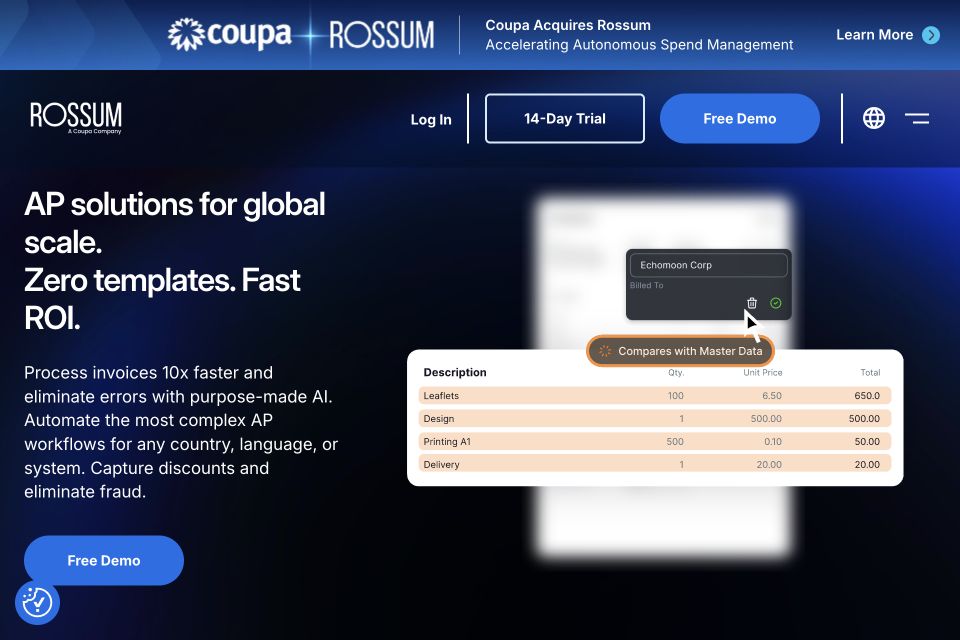
For spreadsheet users, Rossum can export captured data as XLSX or CSV, as well as XML or JSON. Each line item receives its own spreadsheet row, while the invoice header values repeat so rows can be grouped by document.
Its main advantage is control at scale. Invoice data can be checked against business rules, master data, purchase orders, and related documents before it reaches an ERP. Rossum is also positioned for mixed inputs, including PDF invoices and structured e-invoices.
Price: Rossum Starter begins at $18,000 per year with a one-year minimum contract. Business, Enterprise, and Ultimate pricing depends on document volume and workflow requirements. A 14-day trial is available.
When Rossum is a good choice
- Invoice extraction is one part of a larger AP transformation.
- You need two-, three-, or four-way matching.
- Duplicate detection, business rules, coding, and exception handling matter.
- Data must feed SAP, Coupa, Workday, Oracle, or another enterprise system.
- Several finance teams or regions need a standardized workflow.
Limitations
Rossum is priced and implemented as an enterprise automation platform. It is difficult to justify when the requirement is only occasional invoice-to-Excel conversion, and the annual starting price makes it unsuitable for many small teams.
7. Veryfi: best for embedded invoice extraction
Veryfi's Invoice OCR API accepts PDFs and images and returns structured invoice data in JSON. Its invoice schema covers vendor and buyer details, invoice number, dates, taxes, totals, currency, and line items. The platform is aimed mainly at developers building capture into an application, finance product, or internal workflow.
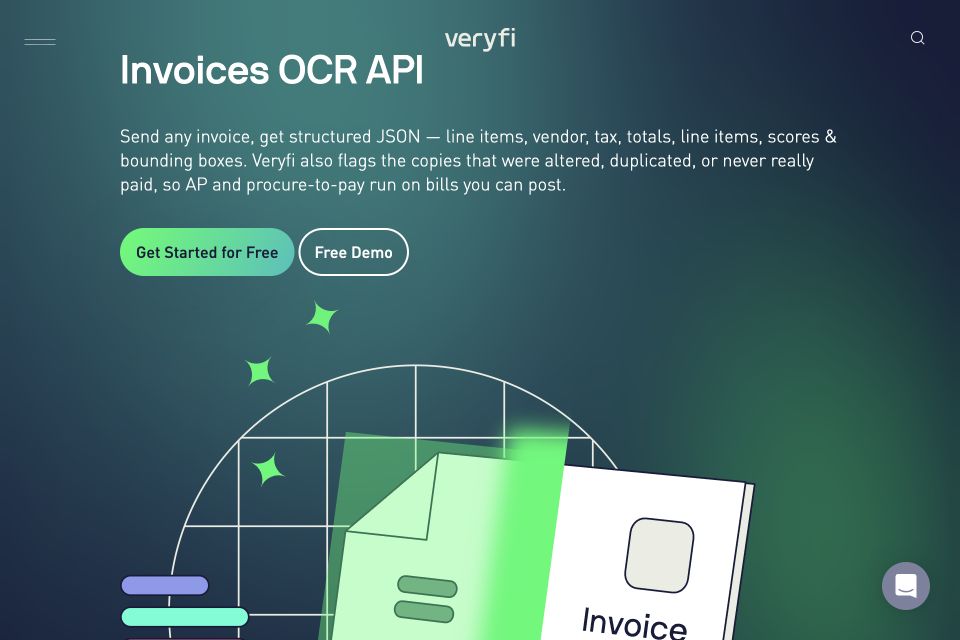
Veryfi is especially relevant when users will capture invoices through a custom interface or mobile experience and the spreadsheet is only one possible destination. A development team can transform the API response into Excel or CSV, feed it into a database, or create records in another system.
Price: Veryfi includes up to 100 documents per month on its free API plan. The Starter tier lists invoice extraction at $0.16 per invoice and has a $500 monthly minimum. Higher-volume plans use custom pricing.
When Veryfi is a good choice
- You are adding invoice capture to an app or customer-facing product.
- An API response is more useful than a manual download screen.
- You need a prebuilt invoice schema with line items.
- Mobile or browser-based document capture may become part of the workflow.
- Your team can build the spreadsheet export or downstream integration.
Limitations
Veryfi is less direct for a nontechnical user whose only goal is a workbook. The Starter minimum can also be disproportionate for low invoice volumes, even though the free allowance is useful for testing.
Which invoice extraction tool should you choose?
Choose based on the workflow that begins after extraction:
- Choose Excel Data from Picture for occasional, clean invoice tables that can be checked manually.
- Choose Extractify when the immediate goal is to turn invoice files into an editable Excel or CSV export with minimal setup.
- Choose Docsumo when custom fields, validation rules, and document review are central requirements.
- Choose Parseur when invoices arrive through email and should flow into a spreadsheet or connected app without code.
- Choose Nanonets when invoice data needs configurable validation, routing, and integration at meaningful volume.
- Choose Rossum when an enterprise AP team needs matching, coding, exception handling, approvals, and ERP posting.
- Choose Veryfi when developers need to embed invoice extraction in a product or custom application.
If two products appear suitable, test both with the same representative invoice set. Include a clean digital PDF, a scan, a phone photo, a multi-page invoice, a credit note, several currencies, different tax formats, and at least one document with many line items. Compare the exported file and the review effort, not only the extraction demo.

How to evaluate invoice-to-Excel output
An invoice converter is useful only when the result is reliable enough for its destination. Check the following before adopting one.
Verify the invoice identity
Confirm the supplier, invoice number, issue date, due date, currency, and PO reference. Do not let the system confuse a customer number, quotation number, order number, or delivery reference with the invoice number.
Recalculate financial totals
Check whether line totals add to the subtotal and whether tax, discounts, shipping, and other charges reconcile to the final amount. Mixed tax rates may require separate rows rather than a single tax field.
Inspect line-item alignment
Descriptions, quantities, unit prices, tax rates, and line totals must remain on the same row. Wrapped descriptions and tables that continue onto another page are common sources of shifts and duplicated headers.
Test duplicate handling
An invoice can arrive twice through different channels or with a revised filename. If the workflow feeds accounts payable, test whether it can identify a repeated supplier-and-invoice-number combination before the data is posted.
Preserve the source document
Keep the original invoice or a traceable reference to it. The workbook should make it possible to return to the source when a value is disputed or an audit needs supporting evidence.
Protect sensitive financial data
Invoices may contain bank details, tax identifiers, employee names, customer addresses, and commercially sensitive prices. Review retention, deletion, data-location, access-control, subcontractor, and model-training terms before uploading production files.
Import CSV files carefully
When identifiers, dates, decimal separators, or leading zeros matter, use Excel's import flow instead of double-clicking the CSV. Explicit column types prevent the spreadsheet from silently changing invoice numbers or regional date formats.
For invoices embedded in longer reports, the guide to extracting tables from PDF files explains when direct PDF table tools may be enough and when OCR is required.
Frequently asked questions
Can invoices be converted directly to Excel?
Yes. Tools such as Extractify, Nanonets, Rossum, Parseur, Docsumo, and Excel itself can produce XLSX or spreadsheet-compatible data. API-first tools such as Veryfi return structured data that a developer can place in Excel, CSV, a database, or an accounting system.
What invoice fields can OCR extract?
Invoice-specific systems can extract supplier and customer details, invoice number, issue and due dates, currency, PO reference, payment terms, line-item descriptions, quantities, unit prices, discounts, tax breakdowns, subtotal, shipping, and final total. Supported fields vary, so test the exact fields your workflow requires.
Can invoice OCR extract line items?
Yes, but line-item extraction is more demanding than reading header fields. Tables may span pages, omit borders, wrap descriptions, or use several tax rates. Confirm that the product explicitly supports line items and inspect the resulting row alignment.
Can I process several invoices into one spreadsheet?
Yes. Batch-oriented tools can process several invoice files and export a combined dataset. Decide in advance whether you want one summary row per invoice, one row per line item, or separate worksheets for invoice headers and line items.
Is invoice OCR the same as accounts-payable automation?
No. OCR converts visible text into machine-readable text, while invoice extraction assigns business meaning to fields and tables. AP automation can add validation, duplicate detection, PO matching, GL coding, approval, supplier communication, and posting to an accounting system or ERP.
Should invoice data be exported as CSV or Excel?
Use CSV for a flat, portable dataset and system imports. Use Excel when reviewers need multiple sheets, formulas, filters, formatting, or manual corrections. For nested invoice data, an XLSX workbook with separate invoice and line-item sheets is often easier to understand than a single CSV.
Is invoice extraction always accurate?
No. Blur, skew, low-resolution scans, handwriting, unusual layouts, multilingual content, mixed currencies, and multi-page tables can cause errors. Treat confidence scores as review signals, not guarantees, and verify values that affect payment, tax, or accounting records.
Make invoice data useful beyond the PDF
Invoice digitization is becoming part of a wider shift toward structured financial data. The European Commission estimates that the VAT in the Digital Age package will create €172 billion to €214 billion in economic benefits over a decade, including €51 billion in savings for businesses.
That does not mean every business needs an enterprise AP platform. Nanonets, Rossum, and Docsumo make sense when extraction belongs inside a controlled finance workflow. Veryfi is stronger when developers are building the experience, while Parseur is useful for no-code email automation. Excel can handle occasional clean tables.
When the practical goal is simpler—upload one or several invoice PDFs or images, review invoice fields and line items, and download an editable spreadsheet—Extractify's invoice extraction tool provides the more direct route.