How to Catalog a Pokémon Card Collection (Fast & Accurate)
If you have a large Pokémon card collection, you already know the pain: you want a spreadsheet of everything you own, but manually typing hundreds of card names, sets, and numbers takes forever. A single binder alone can take hours to log.
This guide covers the fastest approaches to cataloging your Pokémon cards in 2026 — from old-school manual methods to AI-powered extraction.
Why cataloging your collection matters
Before diving into the methods, here's why it's worth doing:
- Know what you own. With hundreds or thousands of cards, it's easy to lose track.
- Avoid duplicates when trading or buying. A searchable spreadsheet saves you from buying a card you already have.
- Value your collection accurately. You can't cross-reference prices on TCGplayer or Cardmarket without a list.
- Prepare for insurance or sale. Any buyer or insurer will ask for an inventory.
Method 1: Manual entry into a spreadsheet
The classic approach. You go card by card, typing into Excel or Google Sheets:
Pros: Total control over every field.
Cons: Extremely slow. 100 cards can take 2–3 hours. Easy to make mistakes when tired.
This works fine for collections under 50 cards. Beyond that, it becomes impractical.
Method 2: TCGplayer and Cardmarket tools
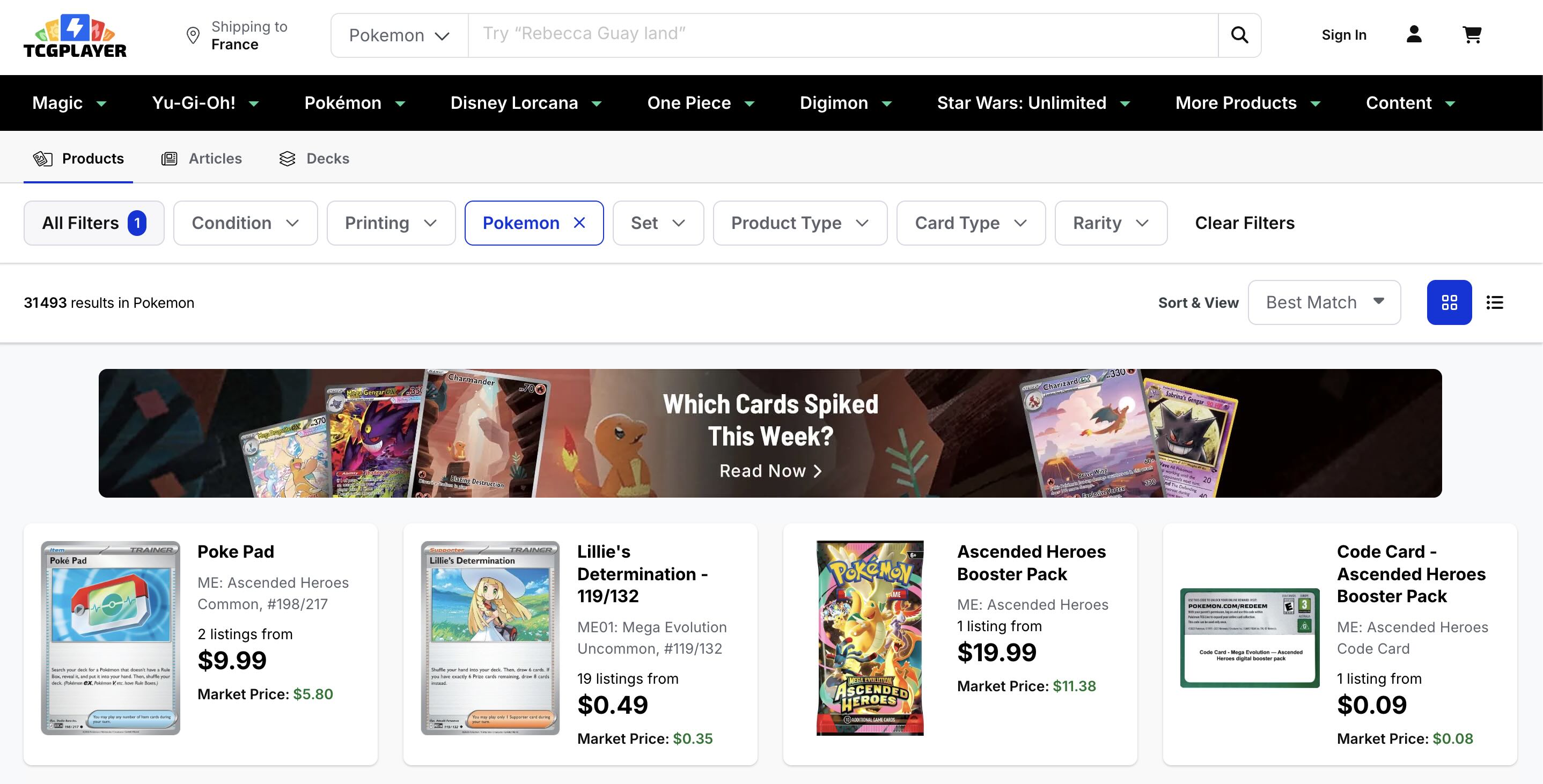
TCGplayer has a collection manager, and Cardmarket has a similar feature. You can scan barcodes or search card names to add them to your collection.
Pros: Market prices are updated automatically.
Cons: Requires searching each card by name, still card-by-card. No bulk photo import. Only covers cards listed on those platforms.
Method 3: Photo extraction with AI (fastest for large collections)
This is the approach that changes everything for large collections.
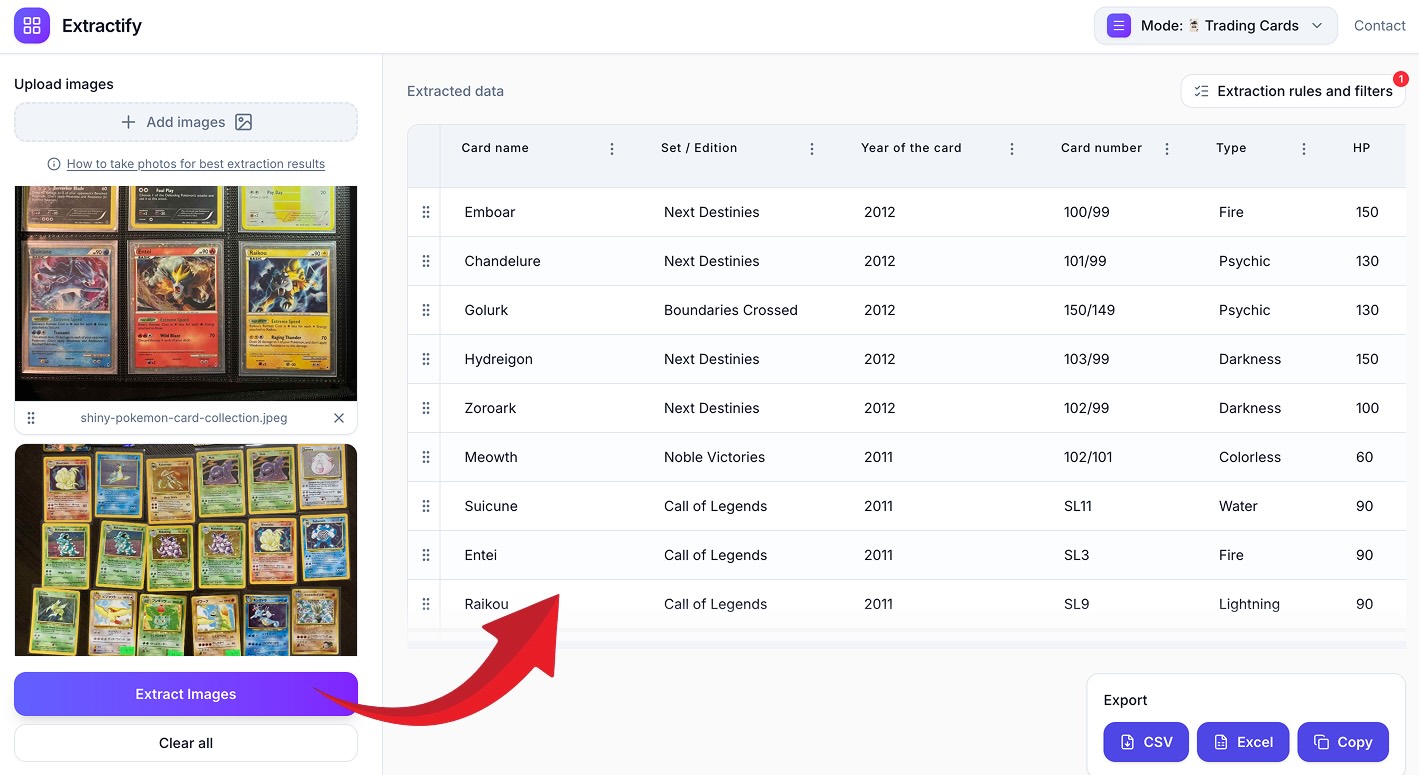
Instead of entering data card by card, you photograph your cards in batches and let AI read the visible information from each photo automatically.
Here's how it works with Extractify:
Step 1 — Photograph your cards in batches
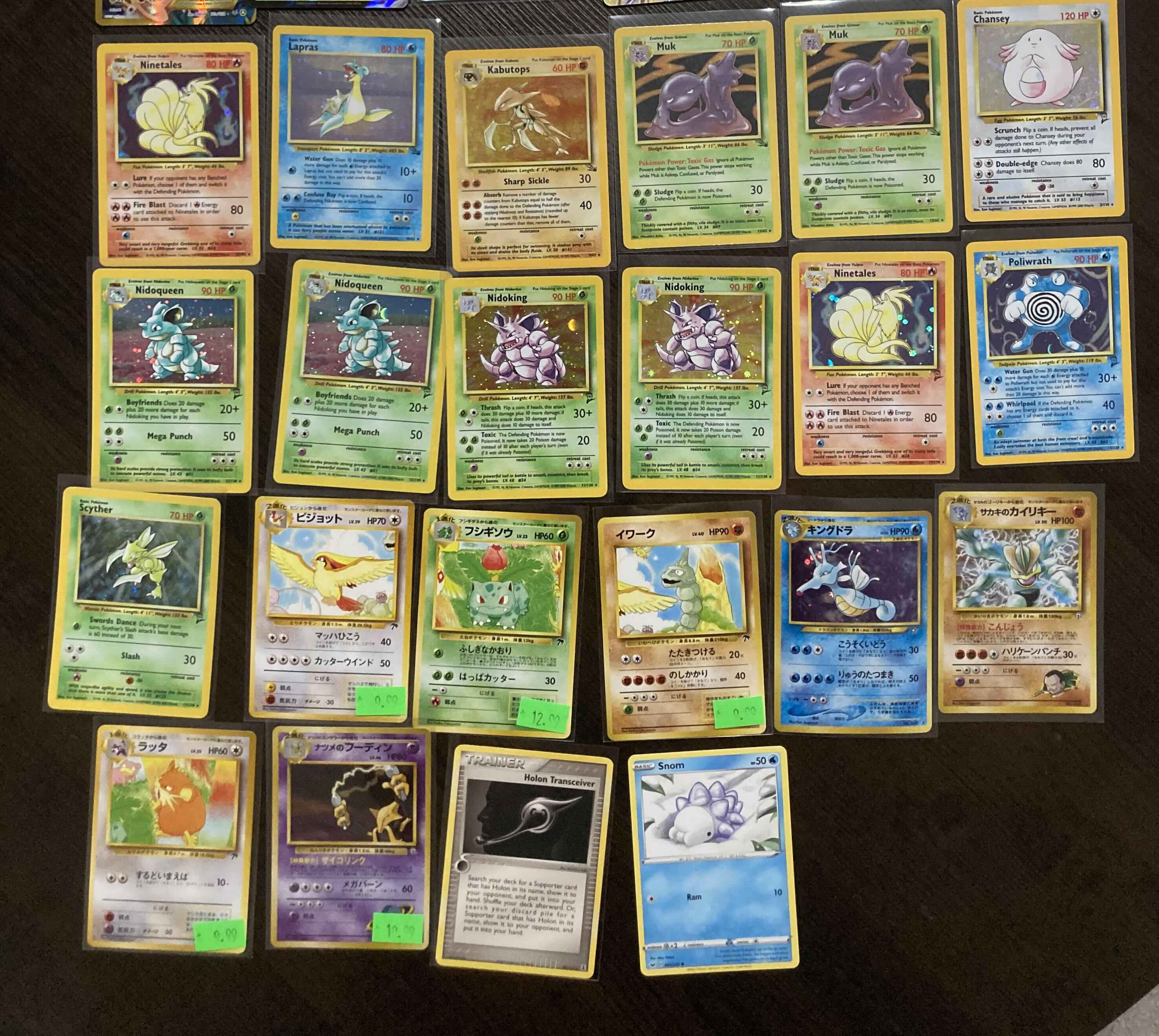
Lay your cards face-up in groups of 10–30 and take clear photos. You don't need a perfect setup — natural light or a desk lamp works well. The key is that card text is legible.
Tips for better photos:
- Avoid glare and reflections on glossy cards
- Keep cards flat and fully visible
- 20–30 cards per photo is the sweet spot for accuracy
Step 2 — Upload the photos
Upload one or more photos at once. Extractify processes them in parallel.
Step 3 — Review the extracted data
Extractify reads each card and fills in:
- Card name
- Set / Edition
- Year
- Card number
- Type
- HP
- Any custom column you define
You can review the data in the table, correct anything that didn't read correctly (rare with clear photos), and add columns like Condition or Quantity.
Step 4 — Export to Excel or CSV
Download your complete inventory in one click. It's ready to use in Excel, Google Sheets, or any collection management tool.
Method 4: Dedicated card collection apps
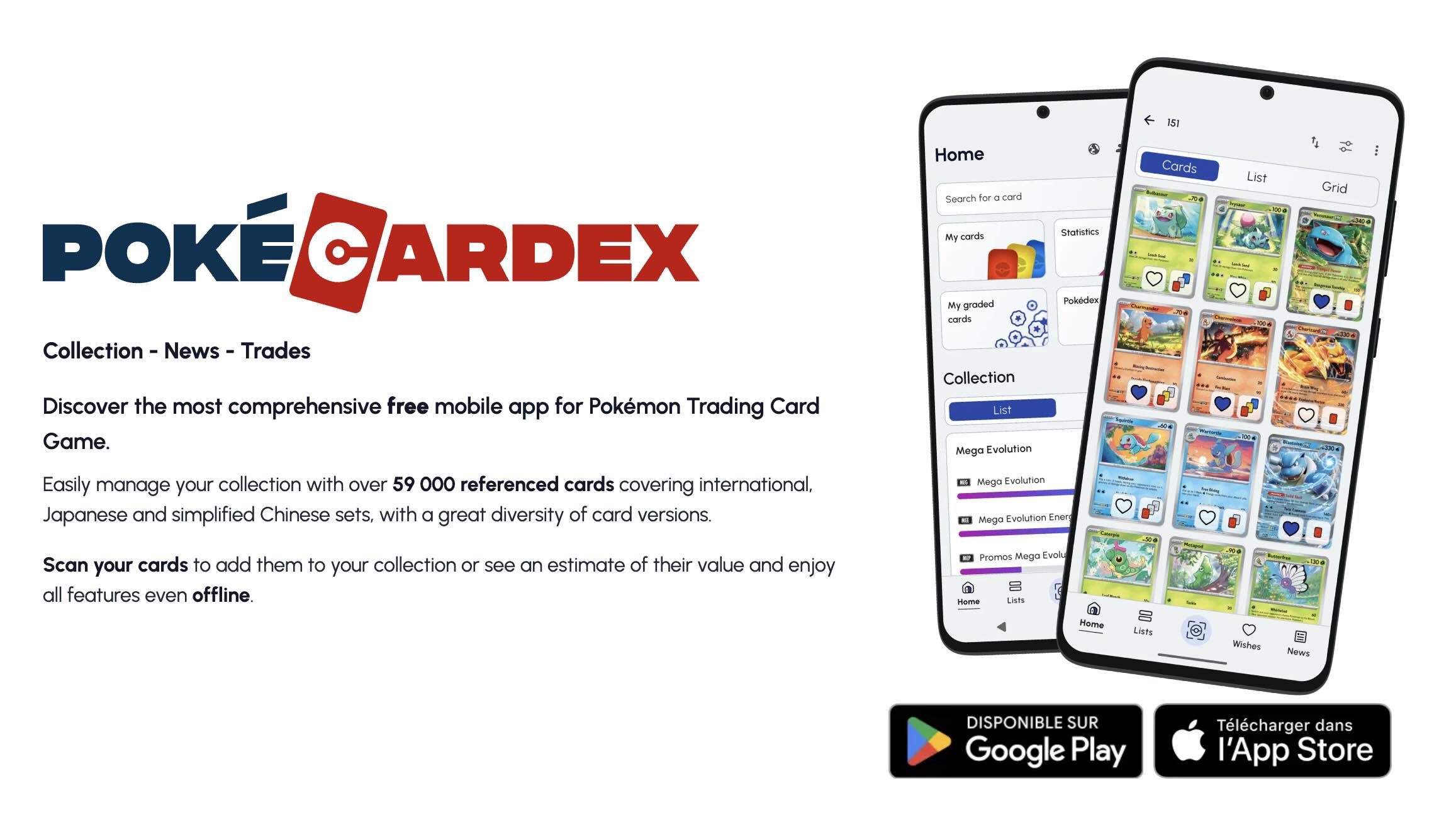
Apps like Dex (formerly TCG.io), Pokémon Card Dex, or Cardboard Collector let you scan individual cards.
Pros: Works on mobile, pulls set data automatically.
Cons: Still requires scanning one card at a time. The free tiers often limit the number of cards. Exporting to CSV is often a paid feature.
What information can you extract from photos?
From a clear photo of your cards, you can typically extract:
- Card name — Charizard, Pikachu VMAX, etc.
- Set name — Base Set, Scarlet & Violet, Paldean Fates, etc.
- Card number — 4/102, 025/198, etc.
- Year — when visible on the card or packaging
- Type — Fire, Water, Grass, etc.
- HP — hit points printed on the card
- Rarity — common, uncommon, rare, holo rare (when visible)
Tips for the best extraction results
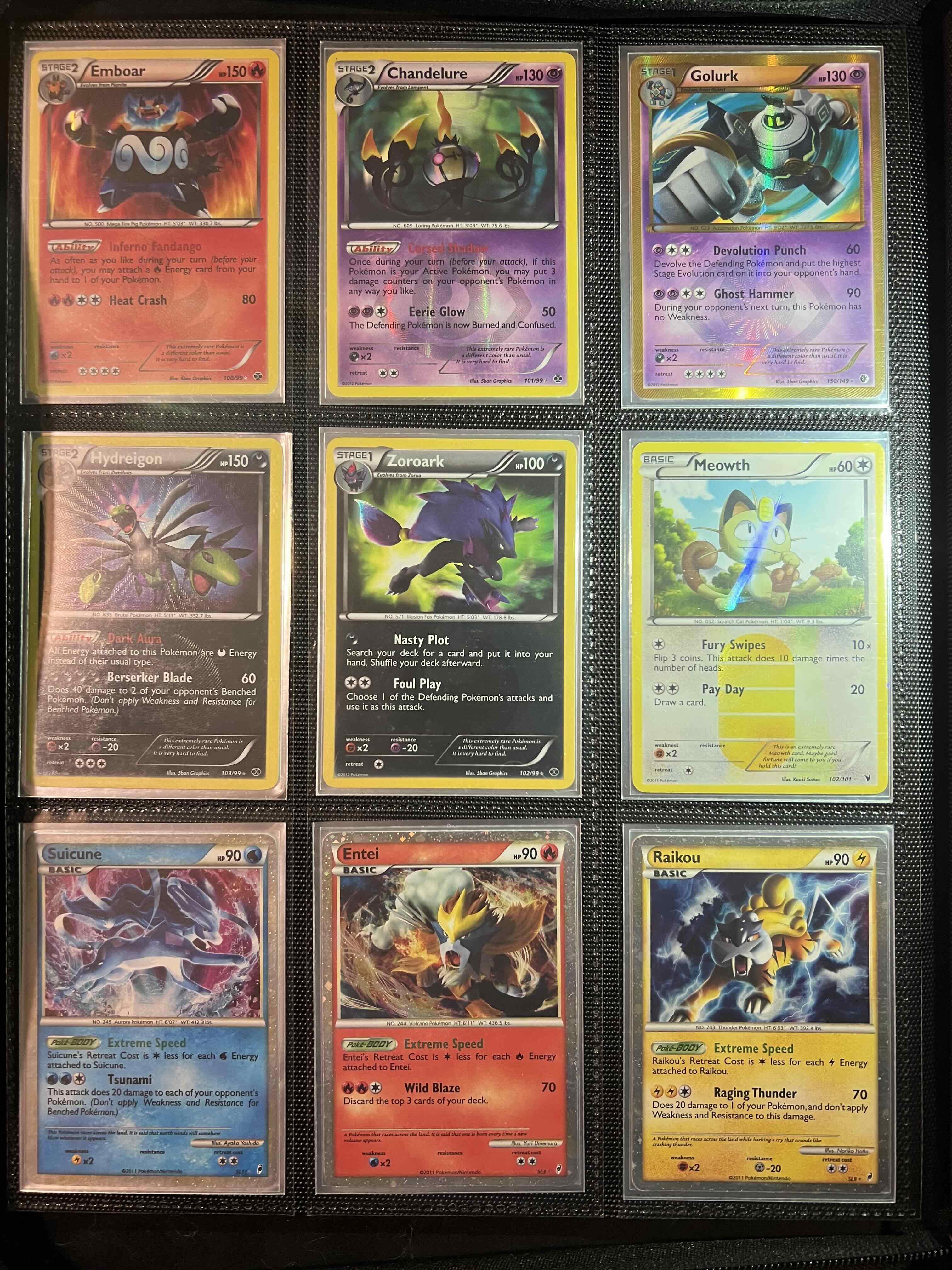
- One photo per binder page works well if cards are visible
- Don't overlap cards — partially hidden cards won't extract correctly
- Include foil/holo cards face-up with the light source at an angle to reduce glare
- Use multiple photos for large batches rather than one cramped shot
What to do after cataloging
Once you have your spreadsheet, here are the most useful next steps:
- Sort by set to identify complete sets and what you're missing
- Add a Quantity column for duplicates
- Add a Condition column (NM, LP, MP, HP, DMG) for valuation
- Cross-reference prices on TCGplayer using the card number
- Add a Notes column for PSA/BGS graded cards
Summary
For small collections (under 100 cards), any method works fine. For large collections of hundreds or thousands of cards, photo extraction is by far the most practical approach. It reduces hours of manual entry to minutes, and the resulting spreadsheet gives you everything you need to track, value, and trade your collection.