Best Way to Inventory Pokémon Cards for Resale
Reselling Pokémon cards is a legitimate business for thousands of people. But the operational side is often messy: cards pile up, you lose track of what you have, and listing everything takes hours.
This guide is specifically for Pokémon resellers who need to move from "pile of cards" to "organized inventory ready for listing" as fast as possible.
Why resellers need a different approach than collectors
Collectors want to track what they own. Resellers need something more:
- Speed — you're processing lots of cards, often acquired in bulk lots
- Pricing integration — you need market values, not just a list
- Listing-ready data — your spreadsheet should feed directly into eBay, TCGplayer, or Cardmarket listings
- Condition tracking — condition affects price dramatically (NM vs. LP vs. MP can be a 50% price difference)
- Variant awareness — holo, reverse holo, first edition, shadowless, and other Pokémon-specific variants have very different values
Step 1 — Sort before you inventory
Before you photograph or enter anything, do a quick sort. This saves time downstream:
- By condition — NM/LP, MP, HP/DMG. Cards in poor condition may not be worth listing individually.
- By approximate value tier — bulk (under $1), mid-value ($1–$10), high-value ($10+). High-value cards deserve individual attention.
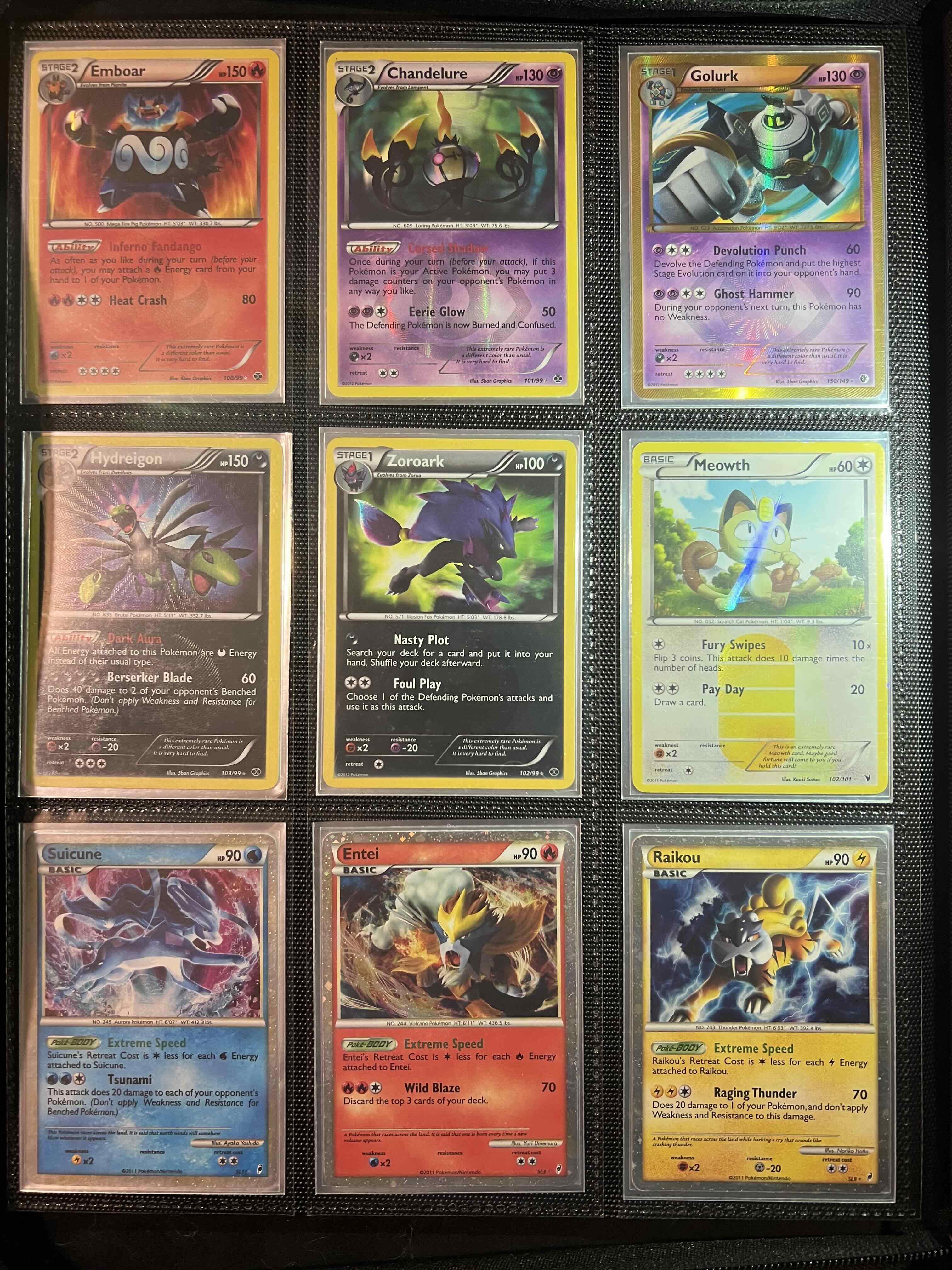
- Set foils/holos aside — these need extra care in photography to avoid glare.
This sort takes 20–30 minutes for a collection of 500 Pokémon cards and makes every subsequent step faster.
Step 2 — Photograph in batches
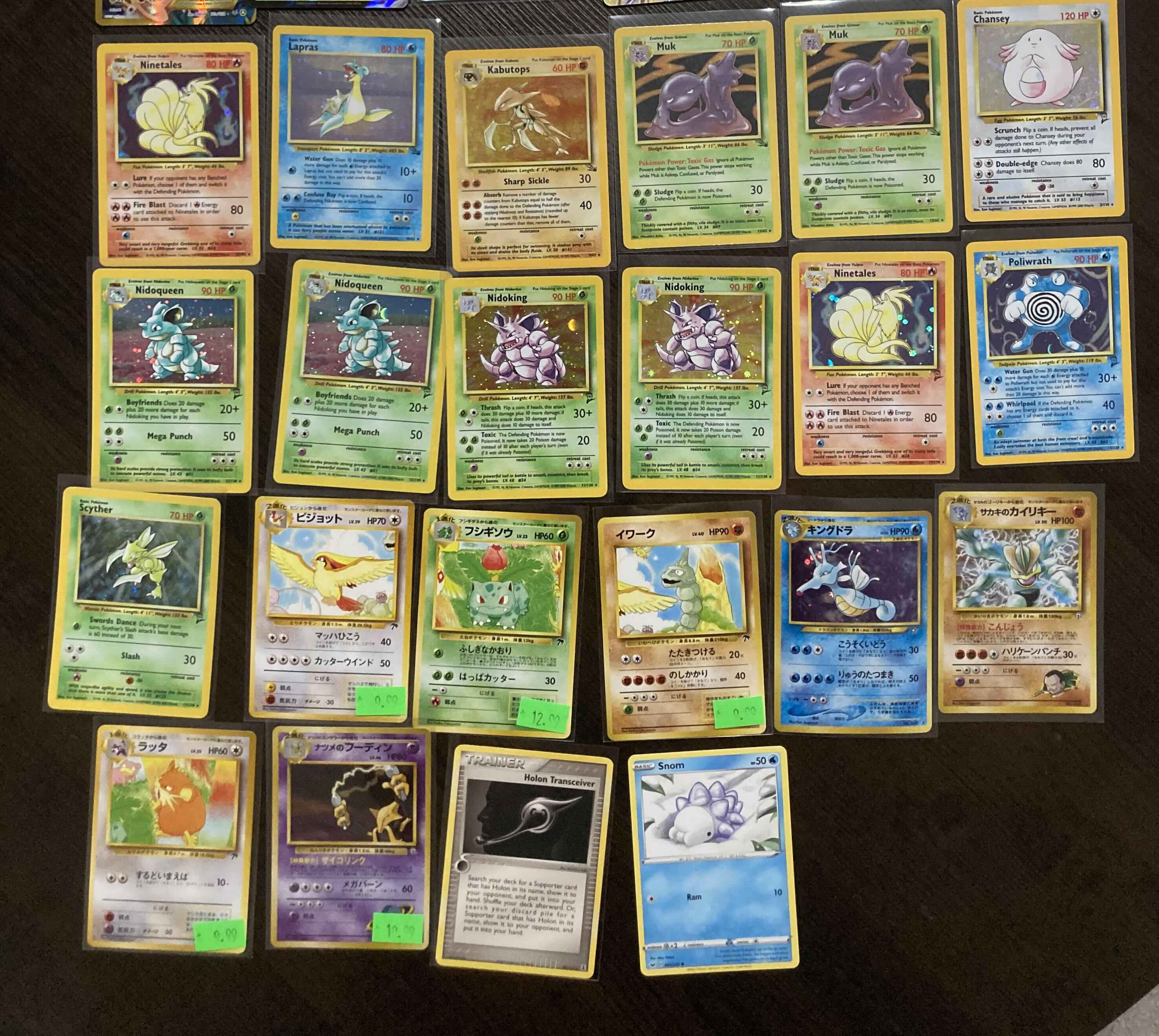
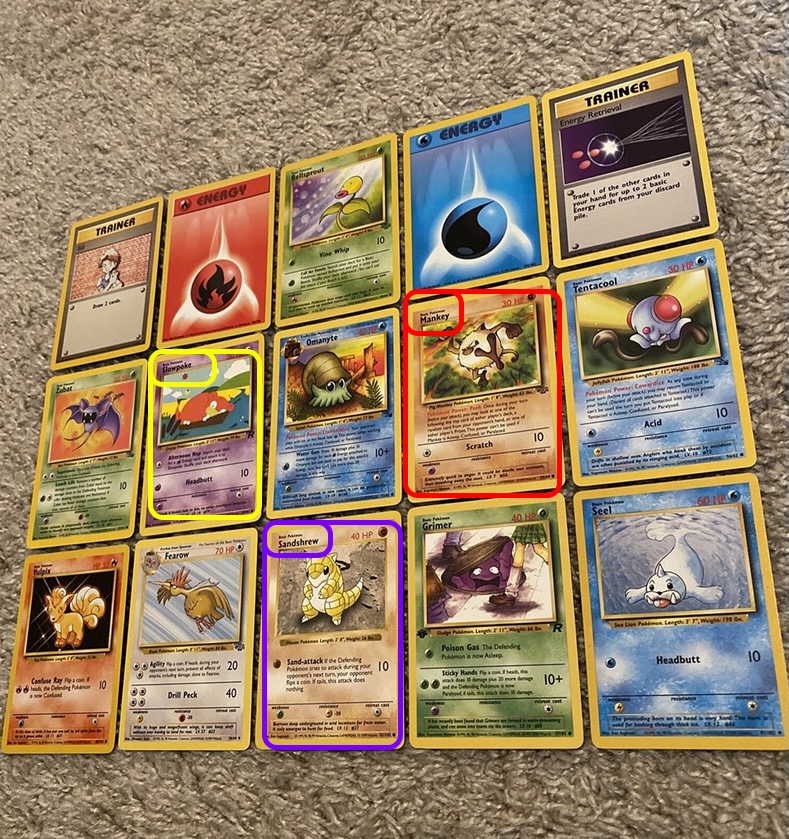
For bulk Pokémon cards (under $5 each), photograph them in batches of 15–25 cards laid face-up in rows. You'll extract the basic data from photos and add pricing later.
For high-value Pokémon cards ($10+), photograph them individually or in small groups. These warrant more careful data entry — you want to capture variant details (first edition stamp, shadowless, PSA grade) that may not be obvious from a group photo.
Photography checklist:
- Flat surface, good lighting, no glare
- Cards fully visible, not overlapping
- Shoot straight-on (not at an angle)
- Keep holos/foils at a slight angle to the light to reduce glare
Step 3 — Extract the data
Upload your photos to Extractify and extract the data. Define columns such as Card Name, Set, Card Number, Type, HP, Rarity, Condition, Quantity, and Notes before running extraction. The AI will populate what it can see; you fill in condition and variants manually during review.
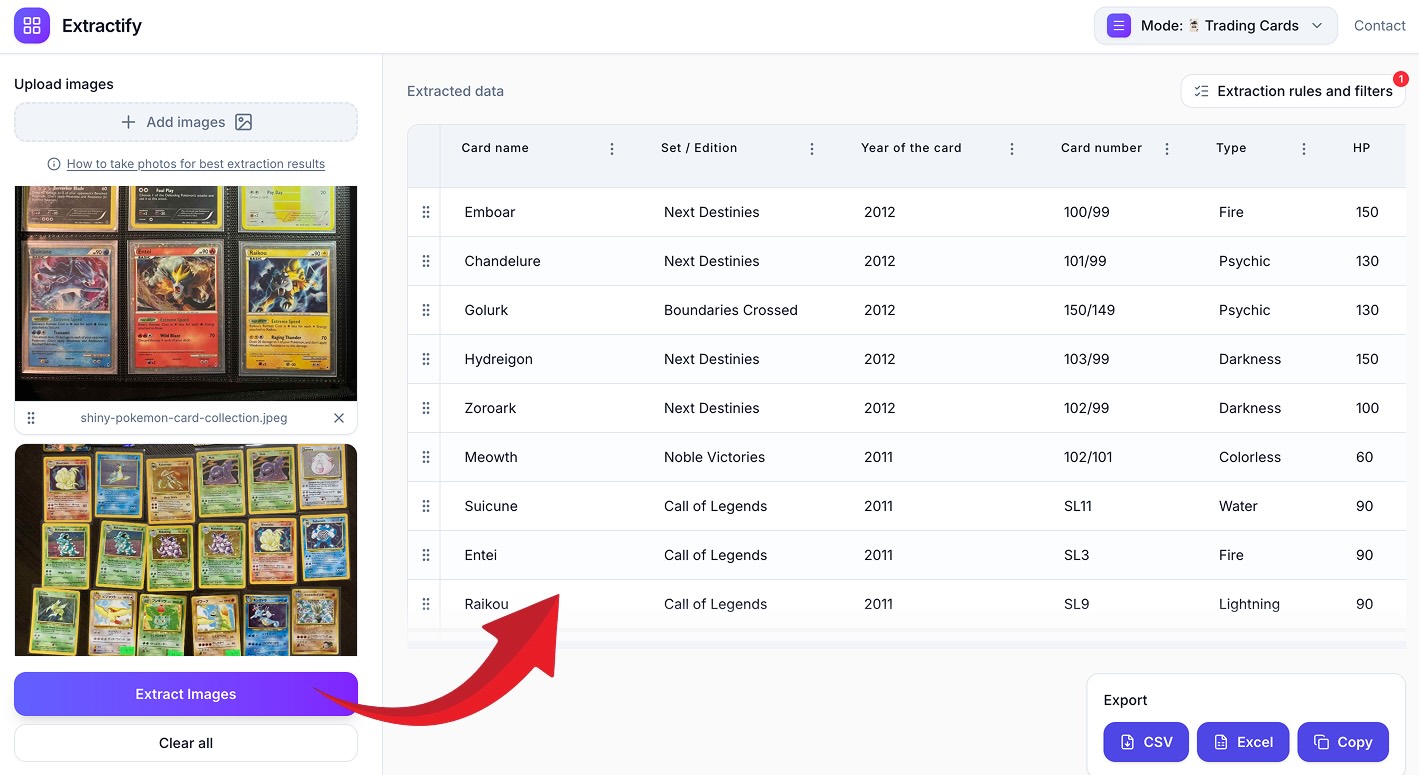
For a batch of 300 Pokémon cards photographed in 15 groups, extraction takes 5–10 minutes. Review and corrections take another 20–30 minutes.
Step 4 — Add pricing
Once you have your inventory list, add a pricing column. There are a few approaches:
Manual lookup (best for high-value cards)
For Pokémon cards worth over $10, look up the current market price on TCGplayer or Cardmarket individually. Filter your spreadsheet by estimated value tier and handle these first.
Bulk reference pricing
For bulk Pokémon cards, TCGplayer and Cardmarket both have bulk price reference tools. Sort your list by set + card number and use their market price data.
Add a formula column
Once you have a reference price, add columns for:
- Market price (from TCGplayer/Cardmarket)
- Your asking price (e.g., market price × 0.9 for quick sales)
- Your cost (what you paid per card, if tracking margins)
- Margin (asking price − cost)
Step 5 — Prepare your listings
Your spreadsheet now has everything needed for listings. Most platforms accept CSV imports:
TCGplayer
Export with columns: Card Name, Set Name, Card Number, Condition, Quantity, Price. TCGplayer's bulk listing tool maps these directly for Pokémon cards.
eBay
Use eBay's bulk listing tool with: Title, Description, Condition, Price, Quantity. Your title template can be auto-generated: [Card Name] [Set] [Card Number] [Condition] Pokémon Card.
Cardmarket
Cardmarket accepts CSV with: Name, Expansion, Card Number, Condition, Language, Quantity, Price — ideal for selling Pokémon cards in Europe.
Common mistakes resellers make
Not separating variants A Charizard from Base Set vs. a Shadowless Charizard vs. a First Edition Charizard have wildly different values. Your Pokémon inventory must distinguish these.
Ignoring condition Listing an LP Pokémon card as NM will result in returns and negative feedback. Take condition seriously during your review step.
Bulk listing without checking for high-value cards Before bulk-listing everything at low prices, always filter your list for Pokémon cards worth more than $5 and check them individually. It's easy to accidentally undersell a rare card in a lot.
Not tracking acquisition cost If you're buying lots, track what you paid per lot and divide by card count. This gives you a cost basis and helps you decide what to price aggressively vs. what to hold.
Tools worth using alongside your spreadsheet
- TCGplayer Market Price — most accurate market data for Pokémon cards
- 130point.com — eBay price history for Pokémon cards
- Cardmarket — best for European Pokémon market prices
- PSA population reports — for graded Pokémon card research
Scaling up: what changes at high volume
If you're processing 1,000+ Pokémon cards per week, a few things change:
- Photography workflow becomes critical — set up a dedicated photography station with consistent lighting
- Bulk lot evaluation — you need to estimate lot value before buying, which requires a fast cataloging workflow
- Price automation — tools like TCGplayer's pricing tools can auto-adjust prices based on market movements
For high-volume operations, the ability to photograph a lot of 500 Pokémon cards and have a spreadsheet ready in under an hour is a competitive advantage. Resellers who can evaluate and list faster can buy more lots and turn inventory quicker.
Summary
The best way to inventory Pokémon cards for resale is:
- Sort by condition and value tier first
- Photograph in batches
- Extract data automatically (card name, set, number, type, HP, rarity for Pokémon)
- Add condition and variants manually during review
- Add pricing from TCGplayer or Cardmarket
- Export and import into your listing platform
This workflow turns what used to be a 2-day job into a few hours — even for large Pokémon lots.